Saved
The Saved tab houses all the insights your team saves in the Explore tab.
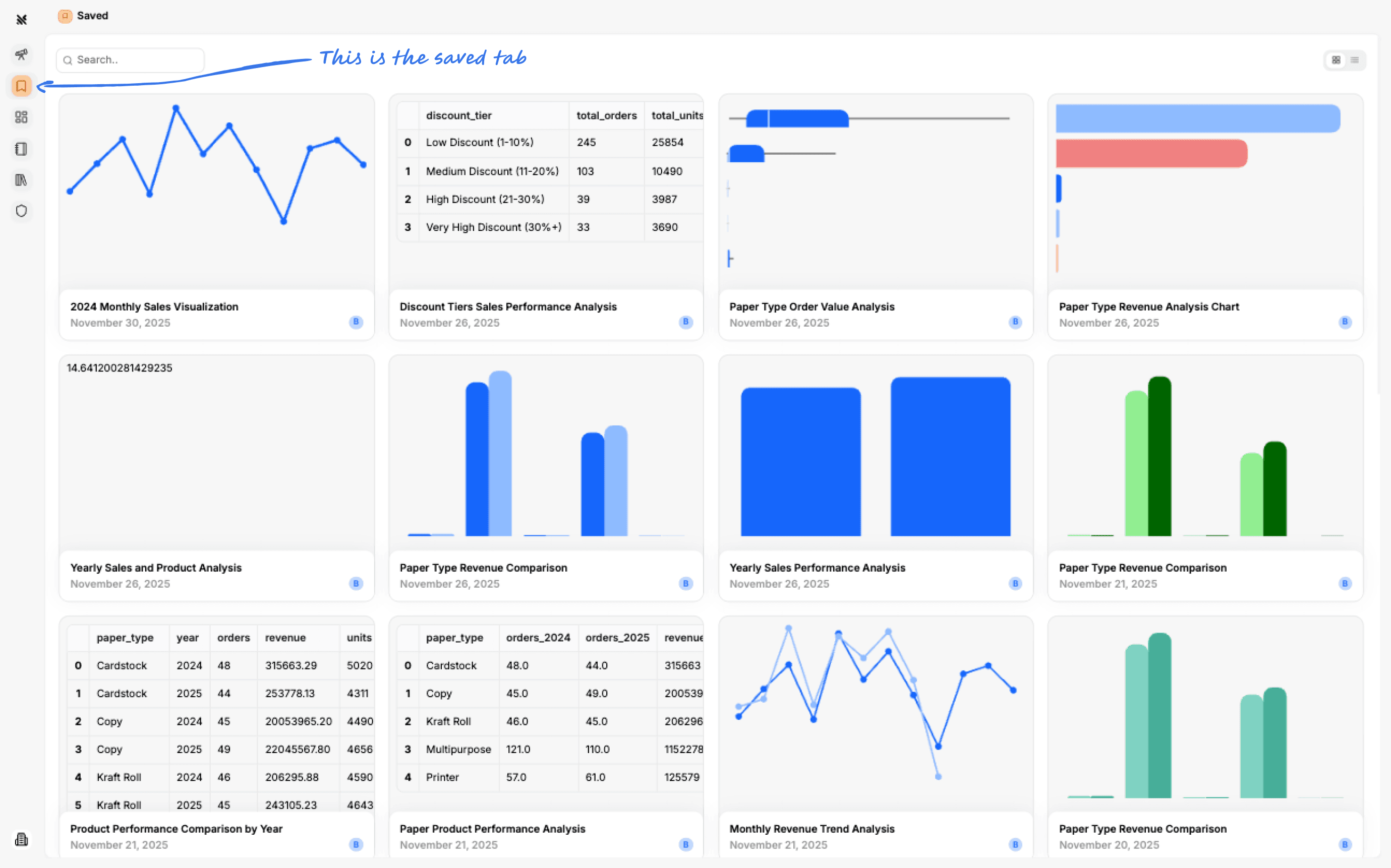
Finding What You've Saved
As your team uses Querio, you'll see more and more Saved Insights, it can be hard to find the Insights that you want. There's a couple of ways to make that easier.
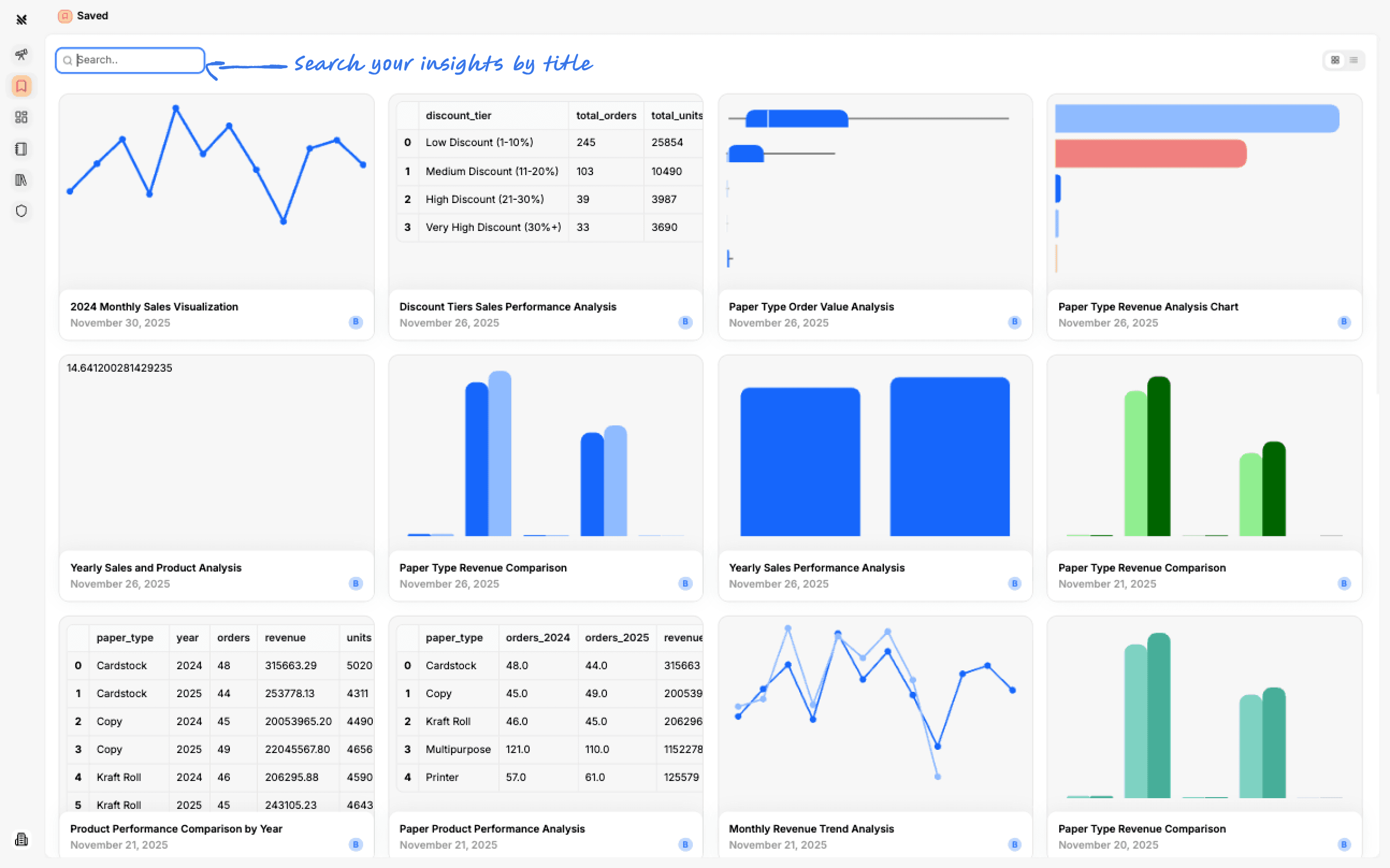
Card View
The card view is organized by creation date with the most recent at the top.
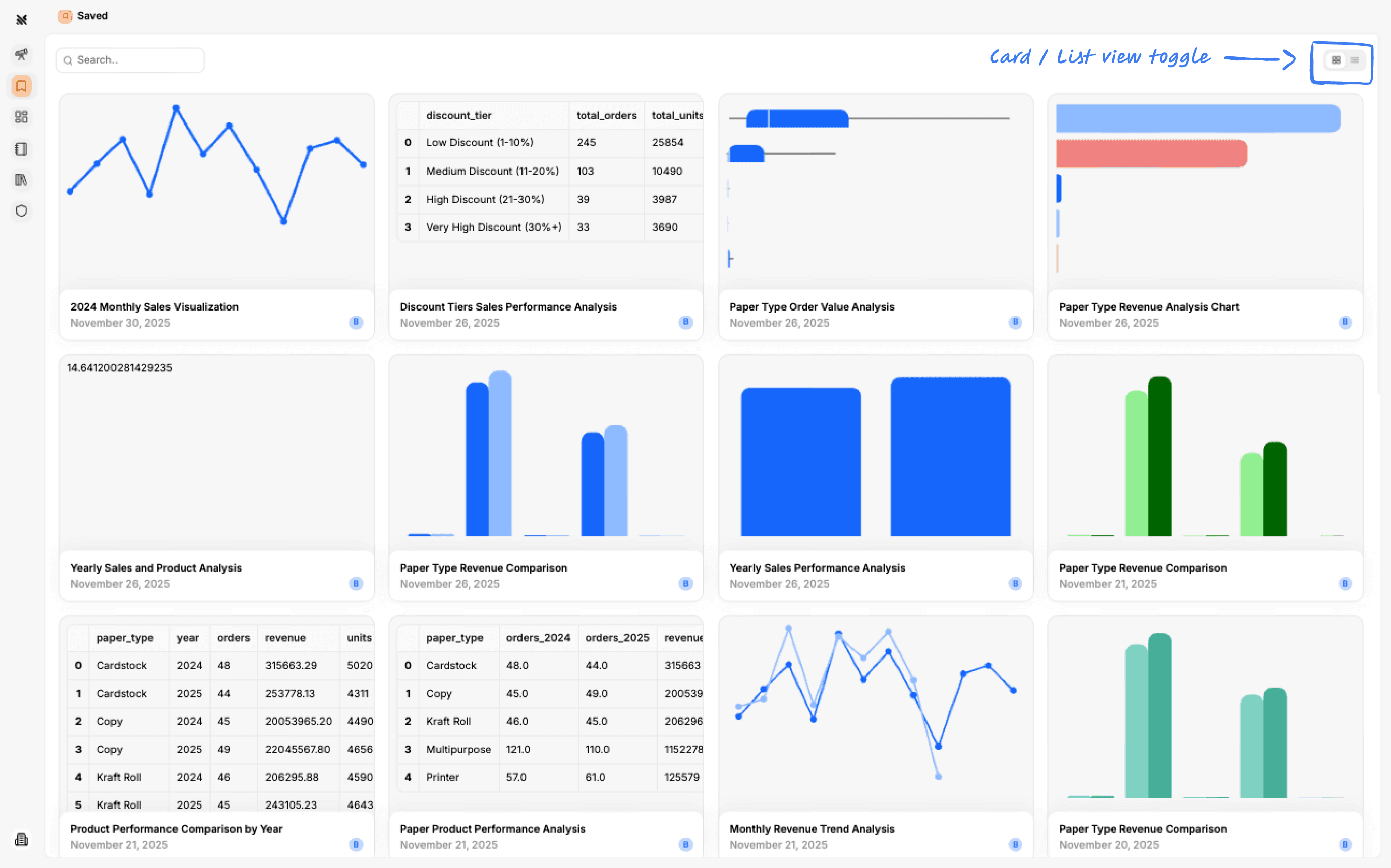
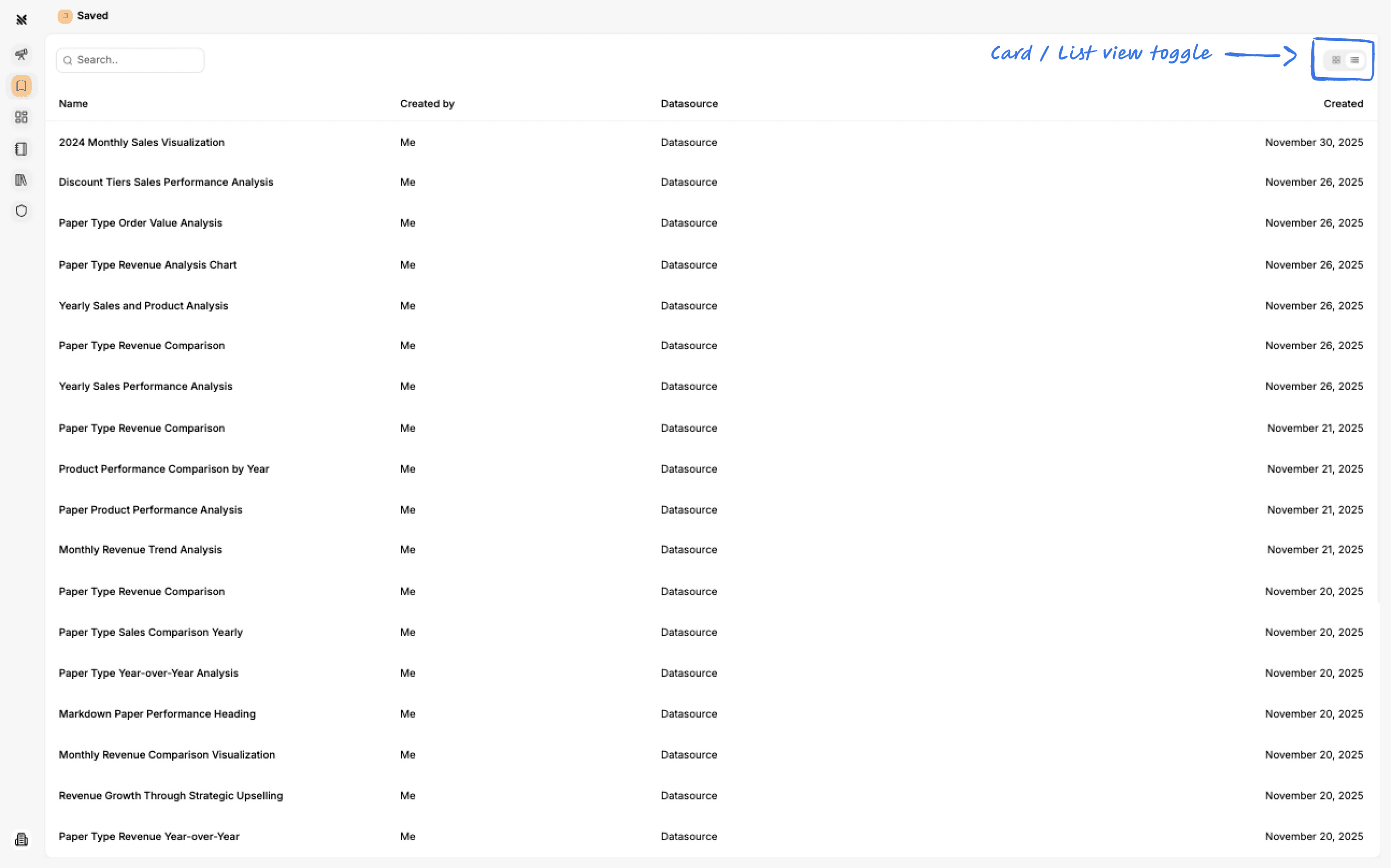
List View
The list view is organized by creation date with the most recent at the top.
Search
You can filter by the title of the insight.
Viewing and Editing What You've Saved
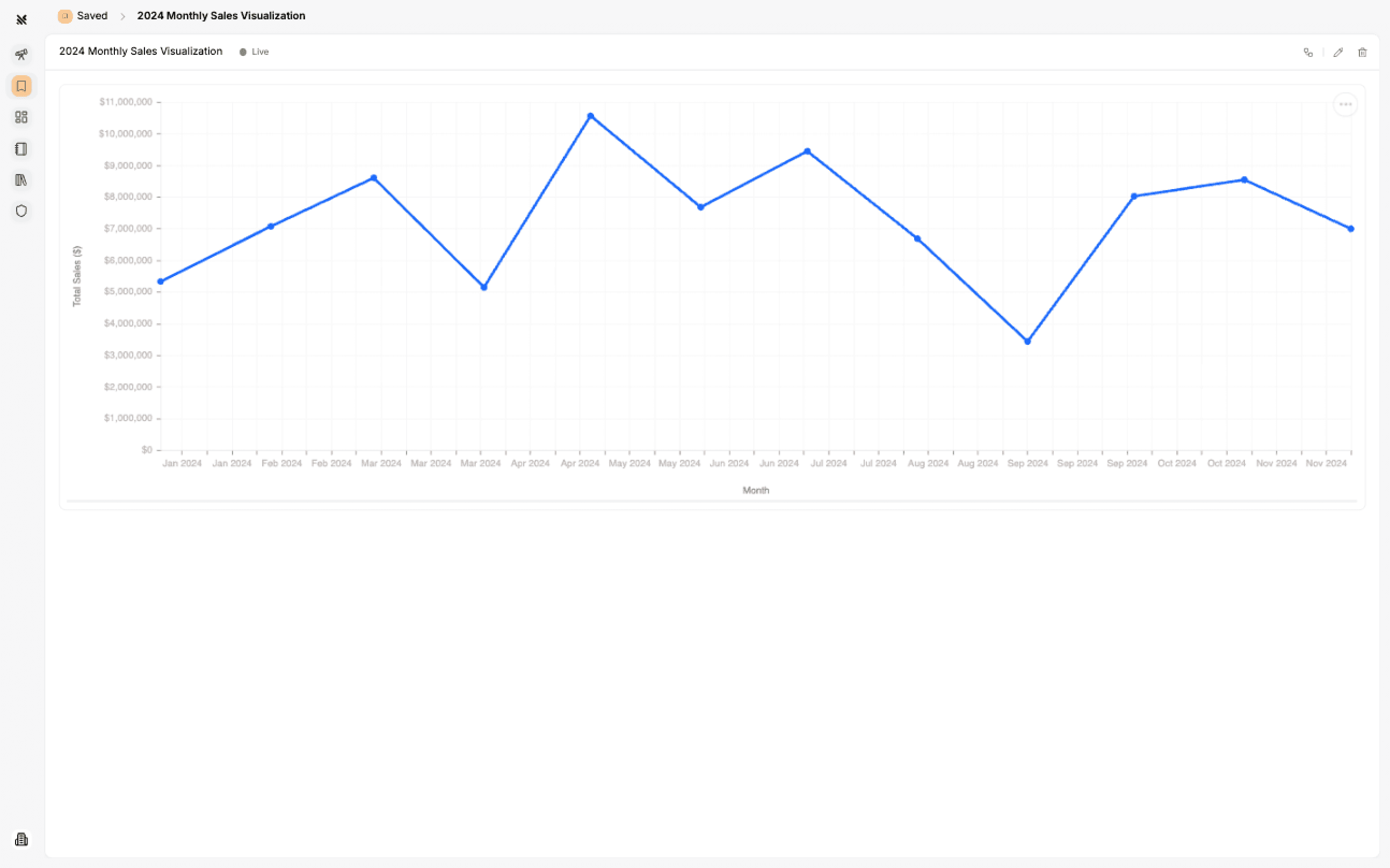
Just click on any Insight in the Saved tab and you'll open the single Insight view.
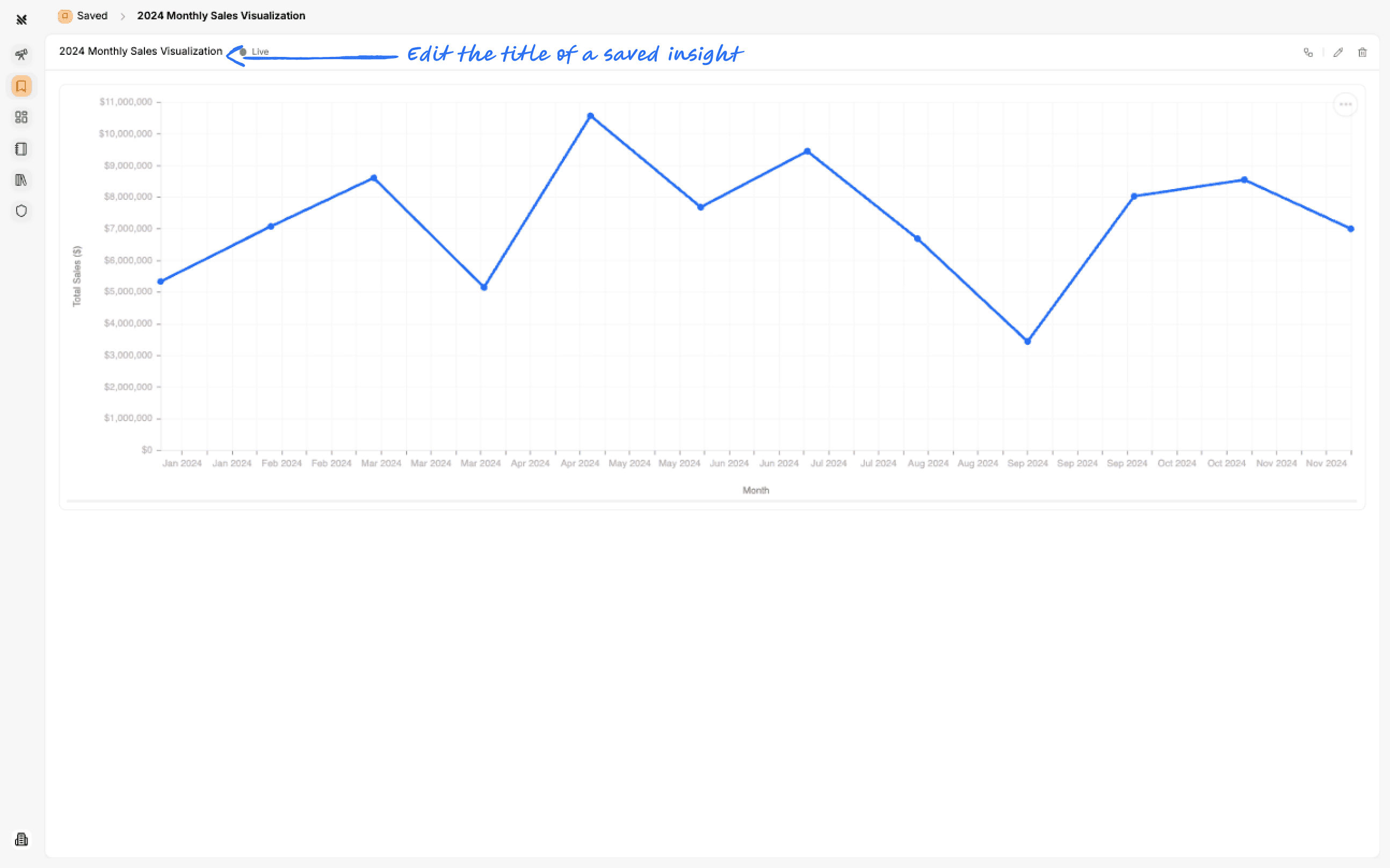
Editing an Insights Title
Editing an Insight
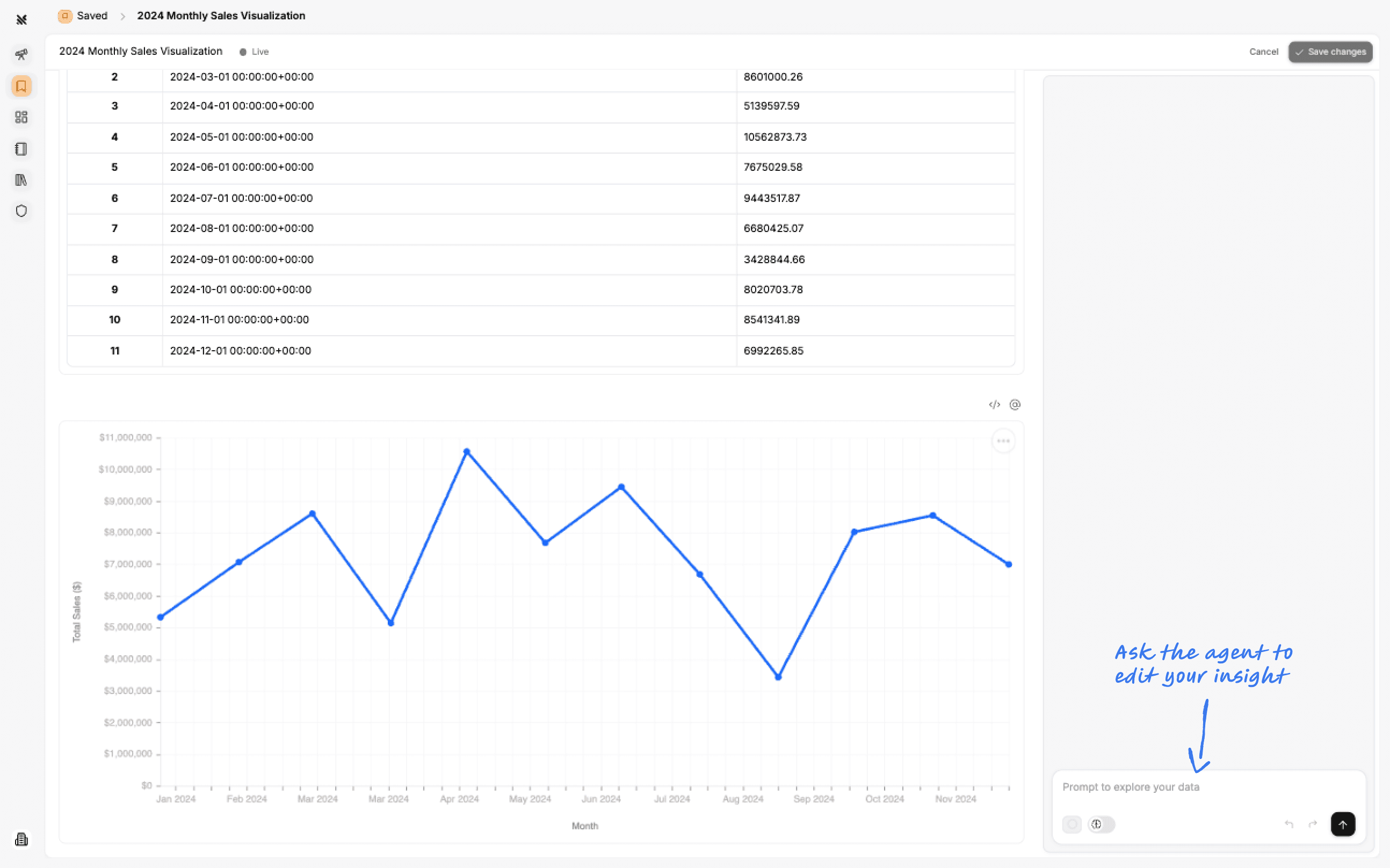
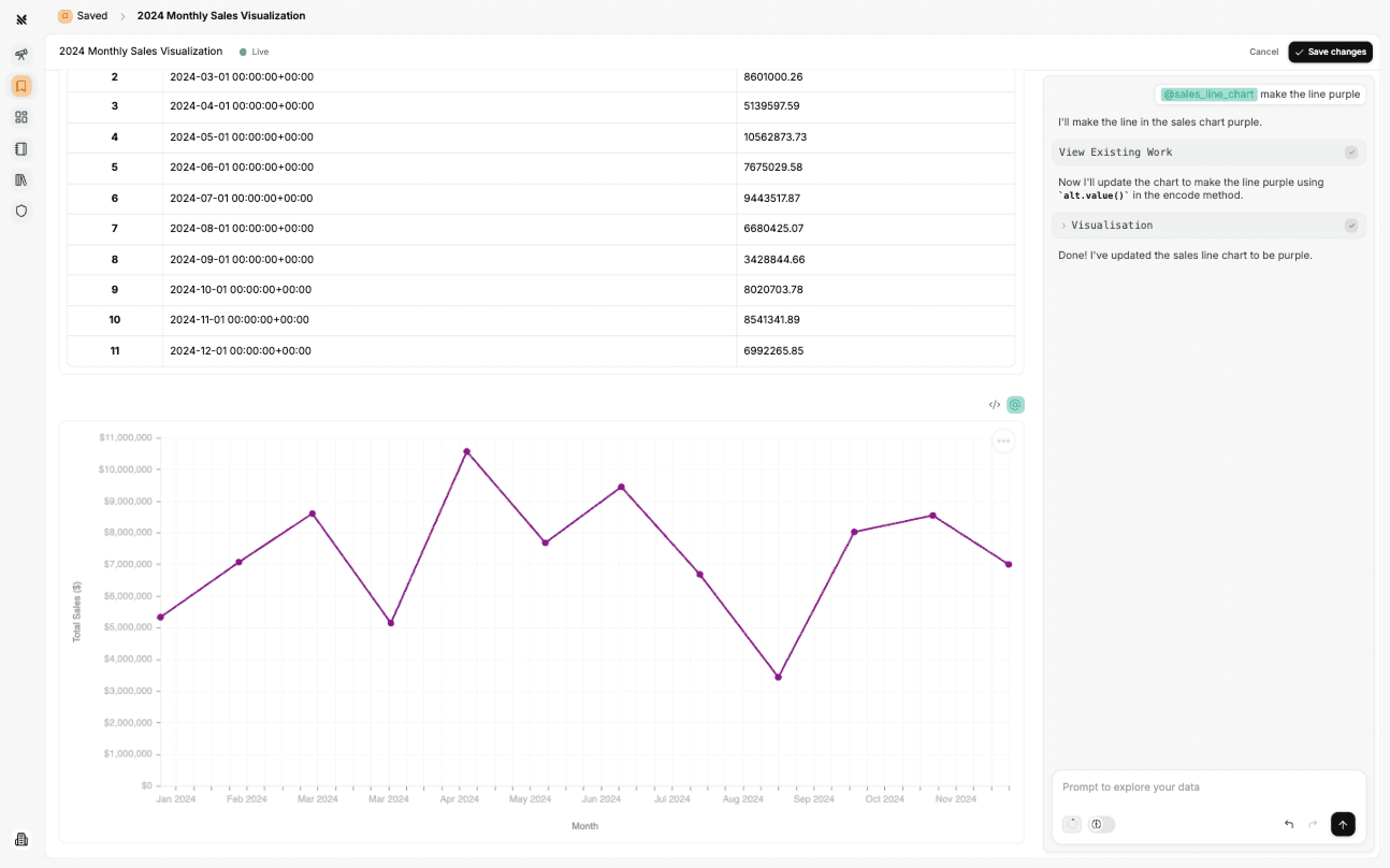
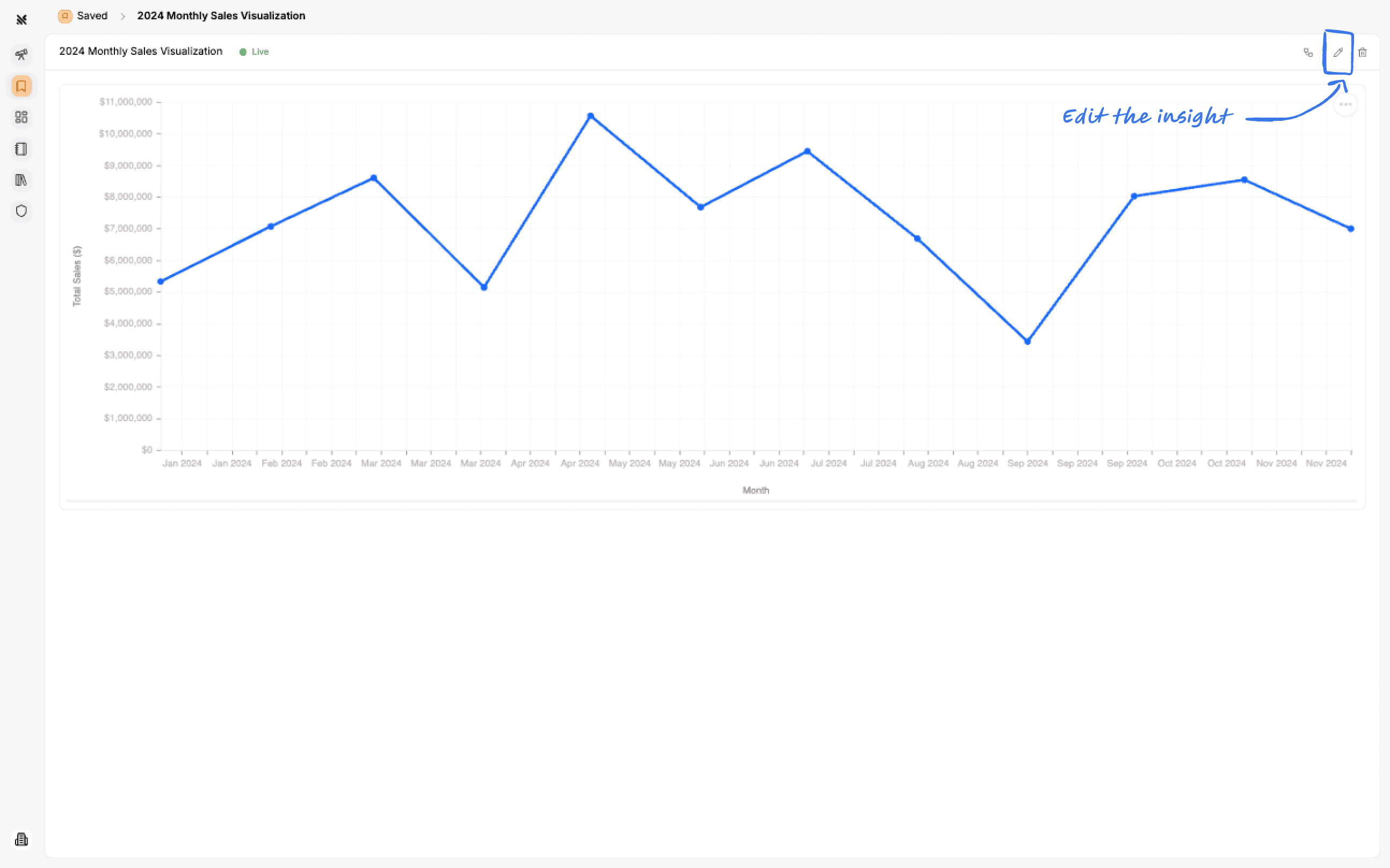
You can edit an insight by clicking on the top right Edit button.
You can ask the Querio AI agent to make updates to the insight.