Welcome to Querio
The analytics workspace where agents help your team work with data.
Welcome to Querio! This documentation is organized around the main ways you will work with Querio: connect data, run explores, teach Querio about your business, and share the results with your team.
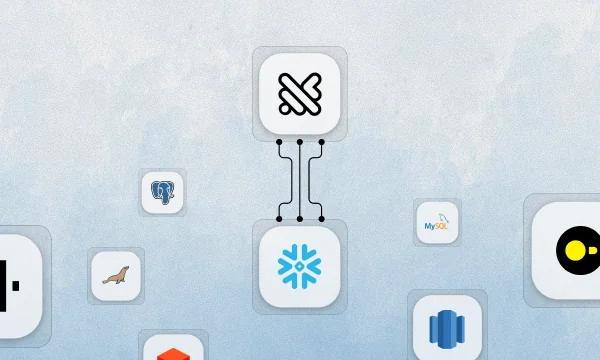
Connect your data
Point Querio at your warehouse or database.
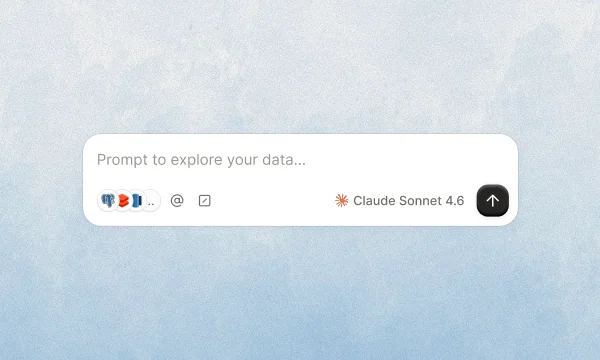
Run your first explore
Ask a question and watch Querio build the answer.
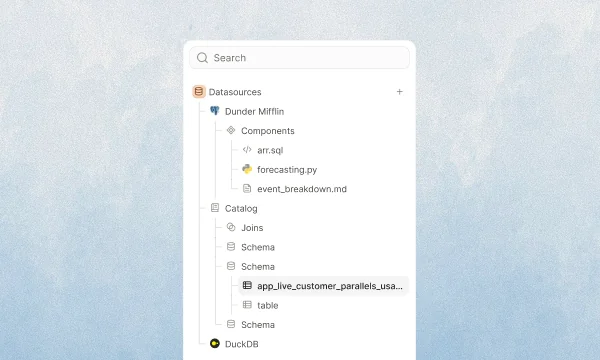
Teach Querio about your data
Add the context and definitions your team relies on.
What Querio does
Querio is a workspace where data agents help your team analyze, explain, and operationalize work on top of your connected data.
An explore is the main workspace for an analysis. It contains the conversation with the agent and the notebook of cells the agent creates while working.
How to get started
- Connect your first datasource
- Start an explore with the analysis you want to run
- Review the notebook cells Querio creates
- Bookmark important results or turn them into a layout
- Add context so Querio understands your business better over time
For data and engineering teams
If you are setting up Querio for a workspace, start with Connect your data, then review Teach Querio about your data. These sections explain how Querio connects to your warehouse and how to add the context the agent uses during analysis.
For developers
If you want to embed Querio in your own product, start with Embed Querio. You can embed the Explore UI in an iframe or use the Embedded API to build a custom experience.
Last updated on October 13, 2026