

Control Center
Manage, monitor, and test your Embedded API integration, inclduing testing, metadata management, and production runs.

Testing Your Integration
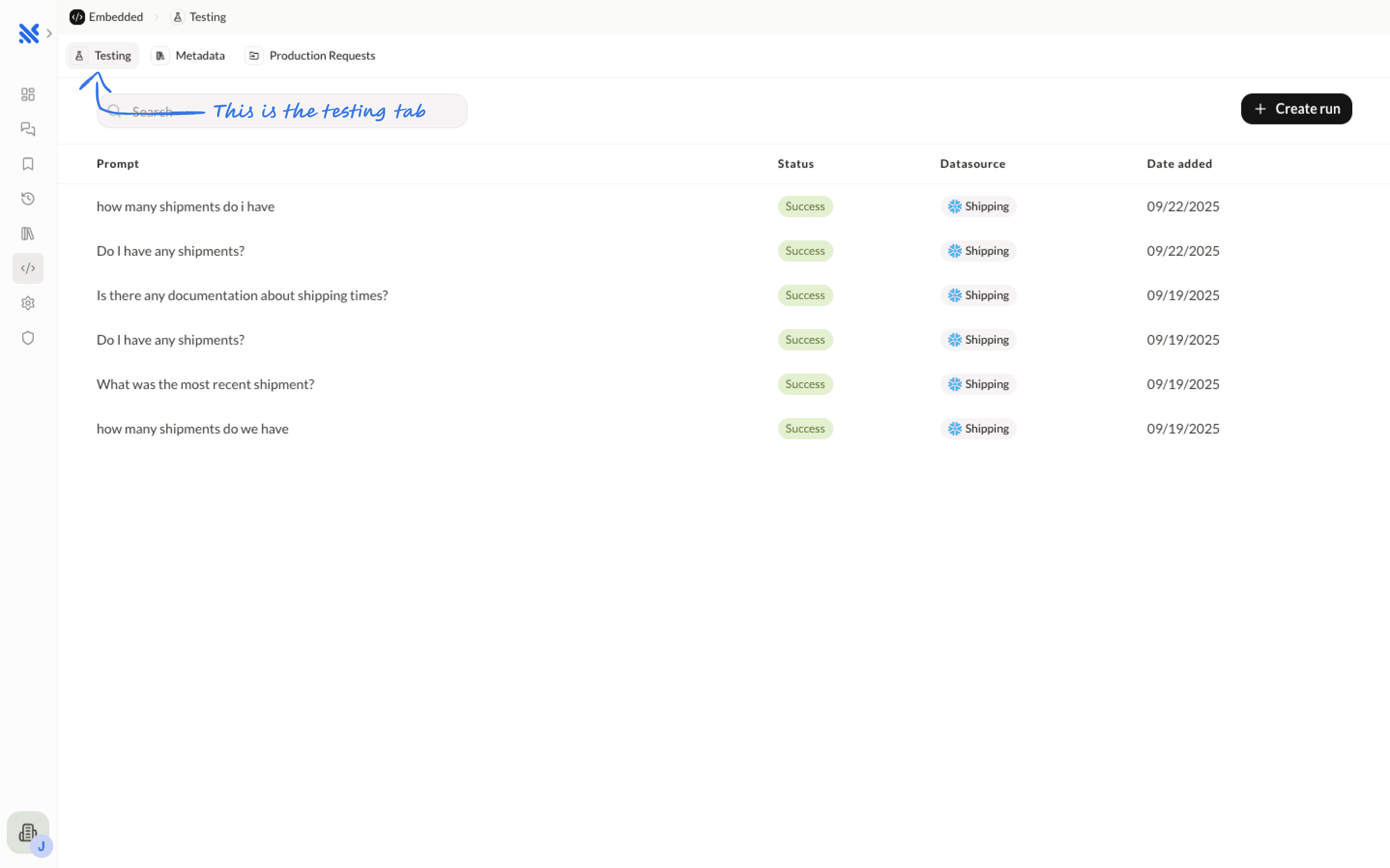
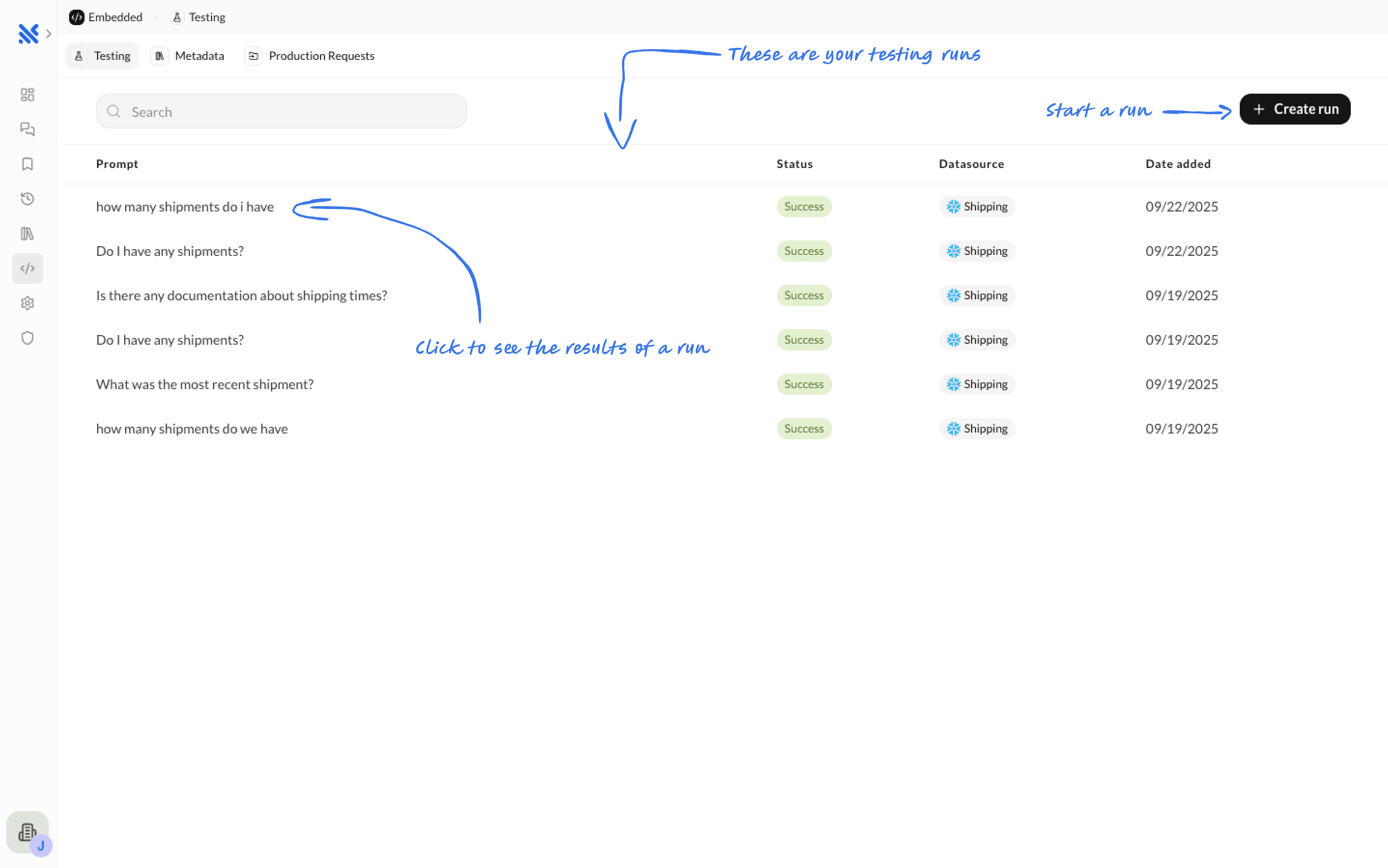
The Testing tab allows you to validate your integration before going to production.
Creating Test Runs
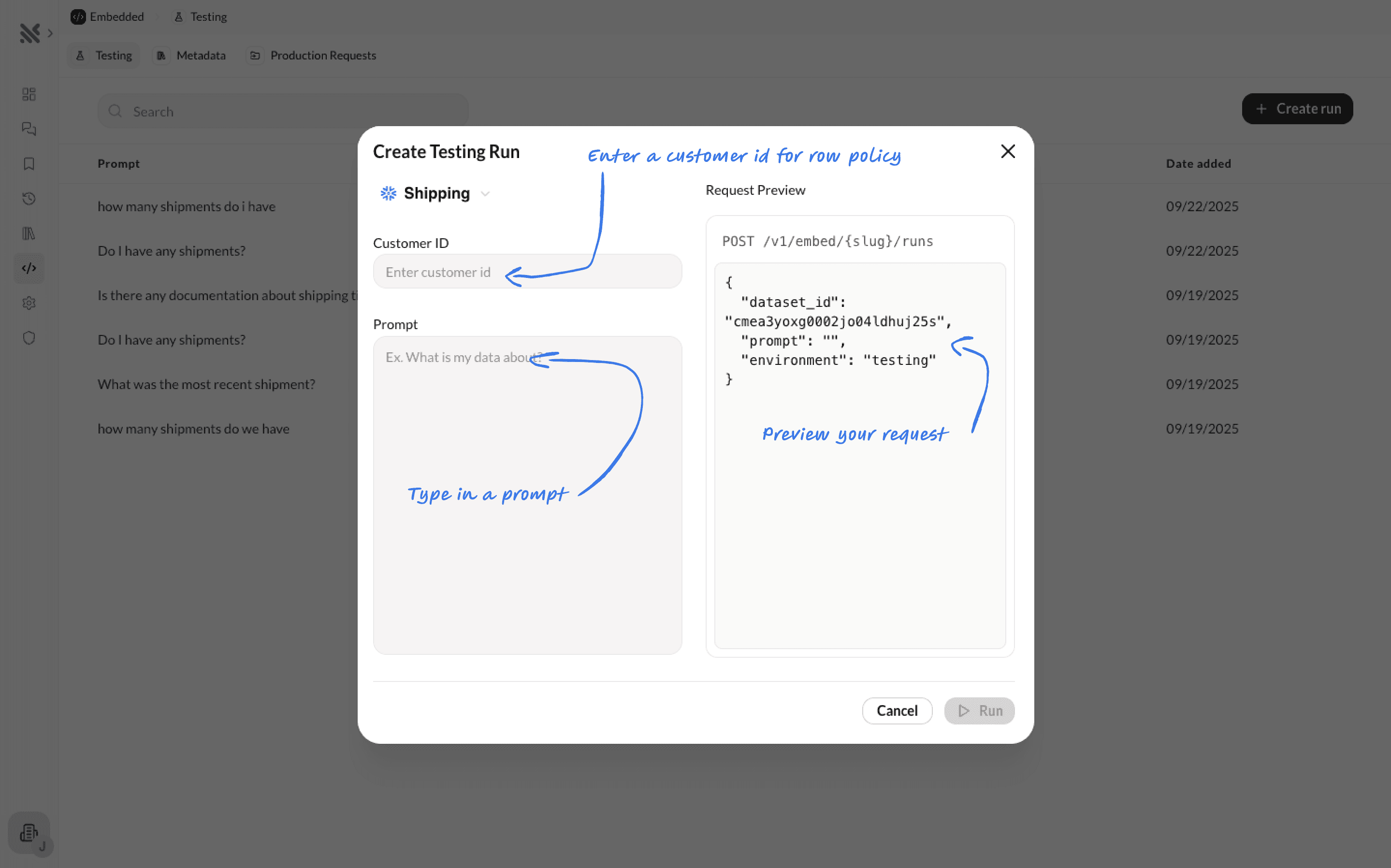
The Testing tab allows you to validate your integration before going to production. You can create test runs by entering a customer ID and typing in your prompt.
When you create a test run, you'll see a preview of the exact API request that will be sent, including:
- The endpoint path with your customer slug
- The complete request body with dataset ID, scope, prompt, and environment
- The response format showing the run ID
This makes it easy to understand exactly how your API calls will work in production.
Reviewing Test Runs
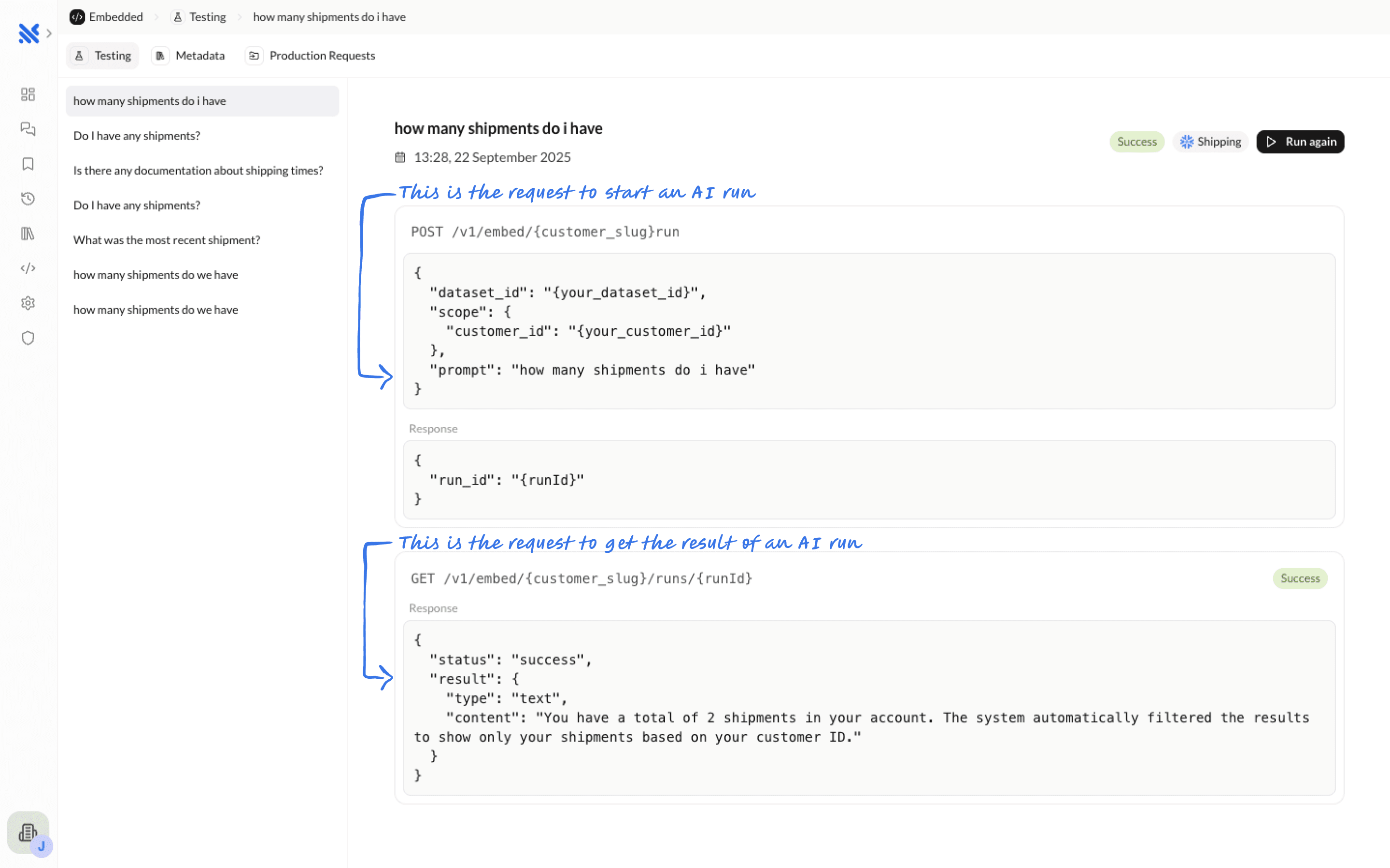
When you open a test run, you'll see:
- The complete API request that was sent
- The API response including status and results
- The actual insight generated by the Querio AI agent
- Execution details and timing
Managing Metadata
Managing your embedded agent's metadata is very similar to managing metadata in the Explore page. See the Knowledge Base documentation for more detailed information.
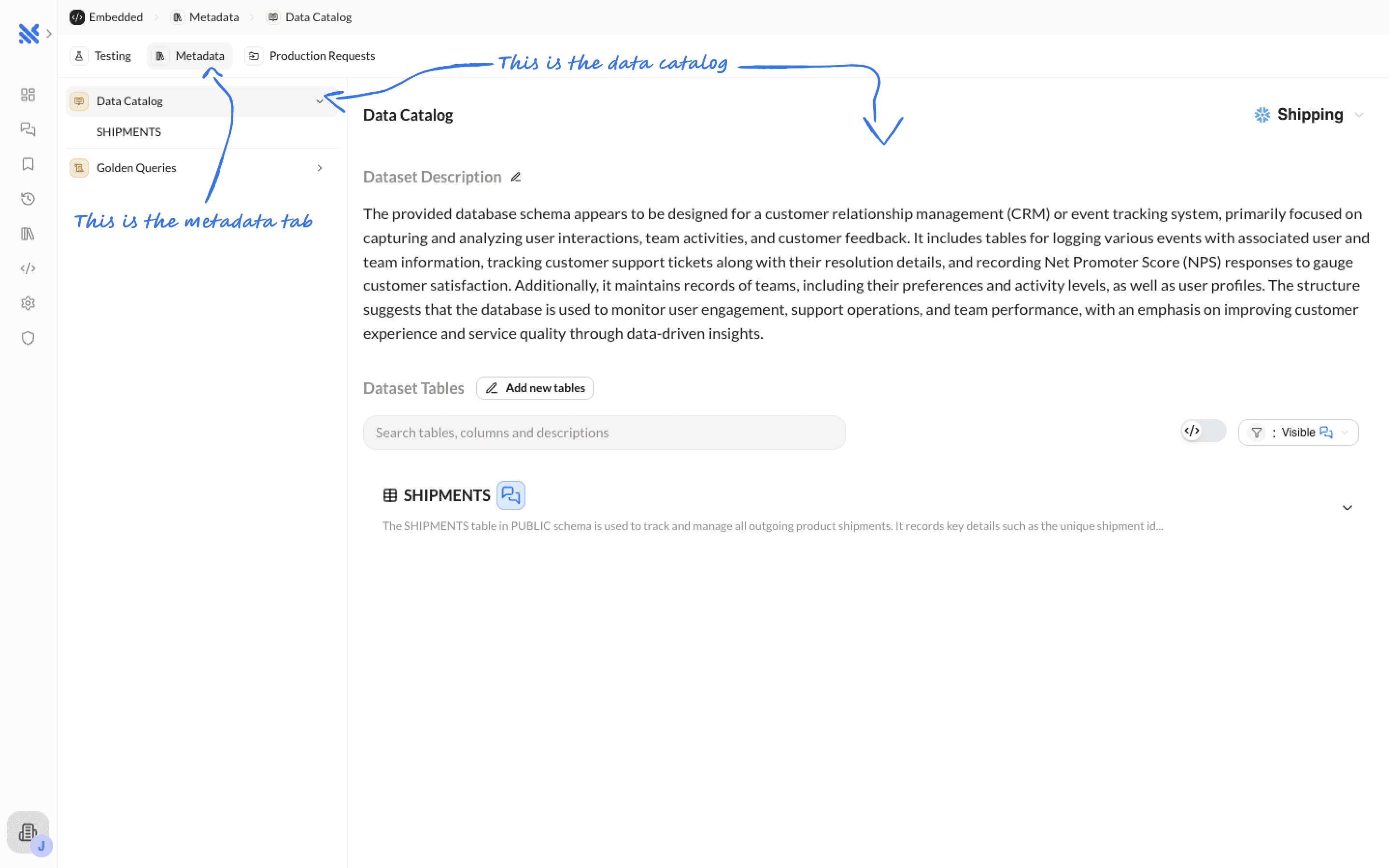
Data Catalog
The Data Catalog provides a complete view of your dataset structure. Here you can:
- View dataset descriptions
- Browse all tables and their schemas
- See column definitions and types
- Understand relationships between tables
- Write descriptions for tables and columns to explain their purpose
This helps you understand exactly what data the AI agent has access to when processing prompts.
Golden Queries
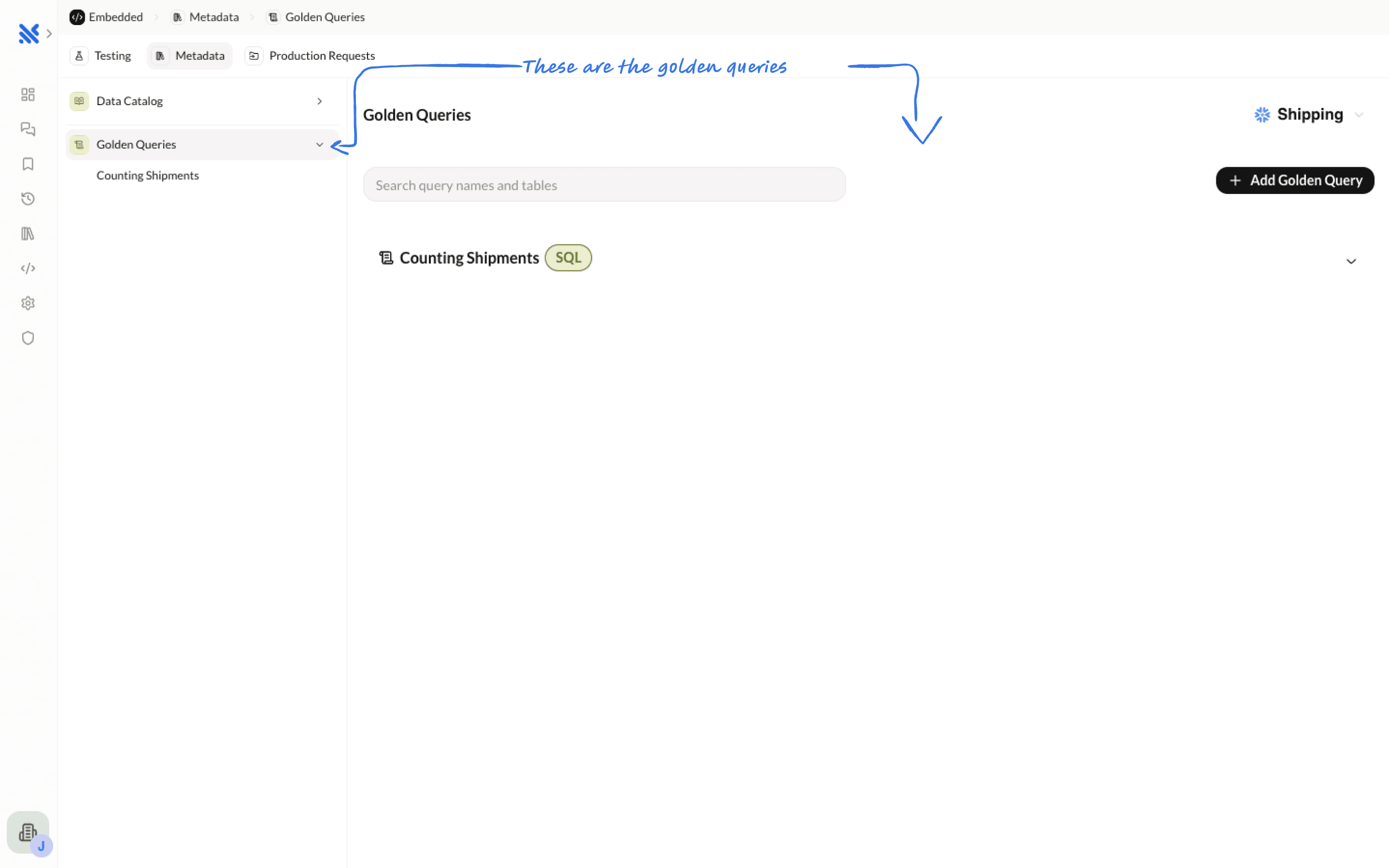
Golden Queries are pre-configured SQL queries that help the Querio AI agent better understand your data and provide more accurate insights. They serve as examples and context for the AI.
Production Requests
The Production Requests tab lets you see exactly what your customers are asking the Querio AI agent in real time.
Here you can:
- View a live feed of customer prompts and API requests
- Inspect request details, including customer ID, prompt, and parameters
- See the AI-generated responses and results
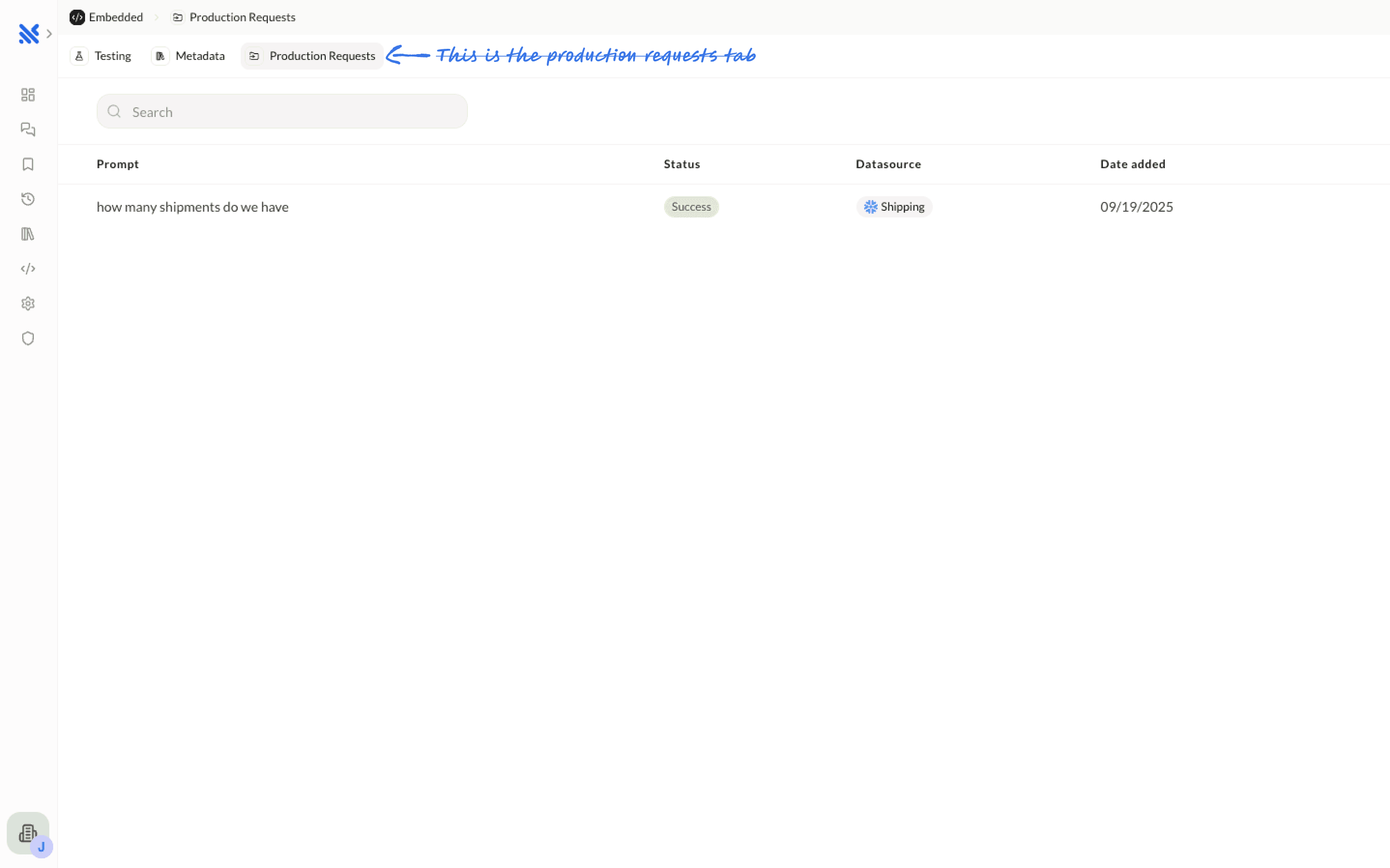
This visibility helps you understand how your integration is being used in production and ensures you can quickly respond to customer needs.