Settings
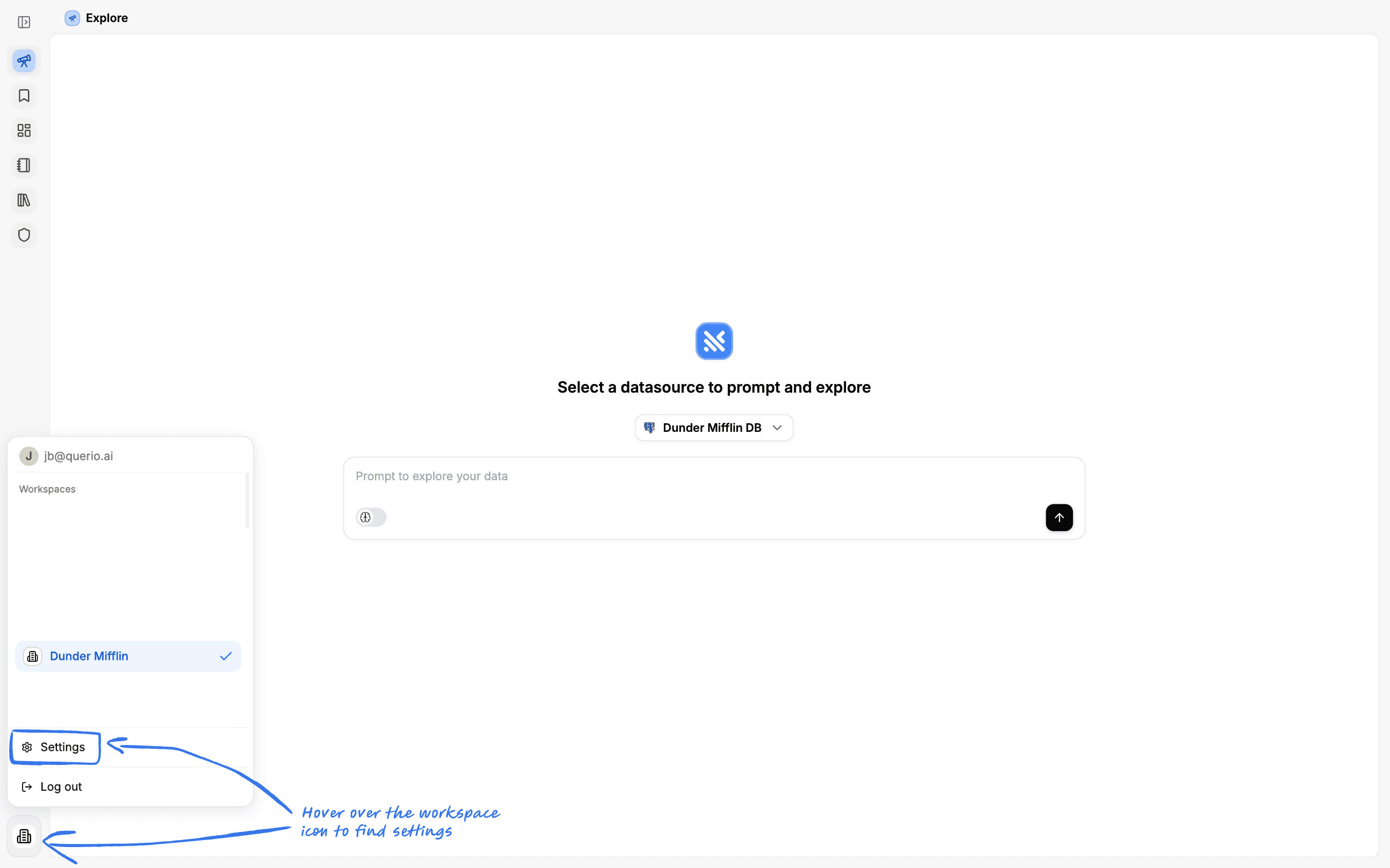
In the Settings page you can find workspace, datasource and member settings.
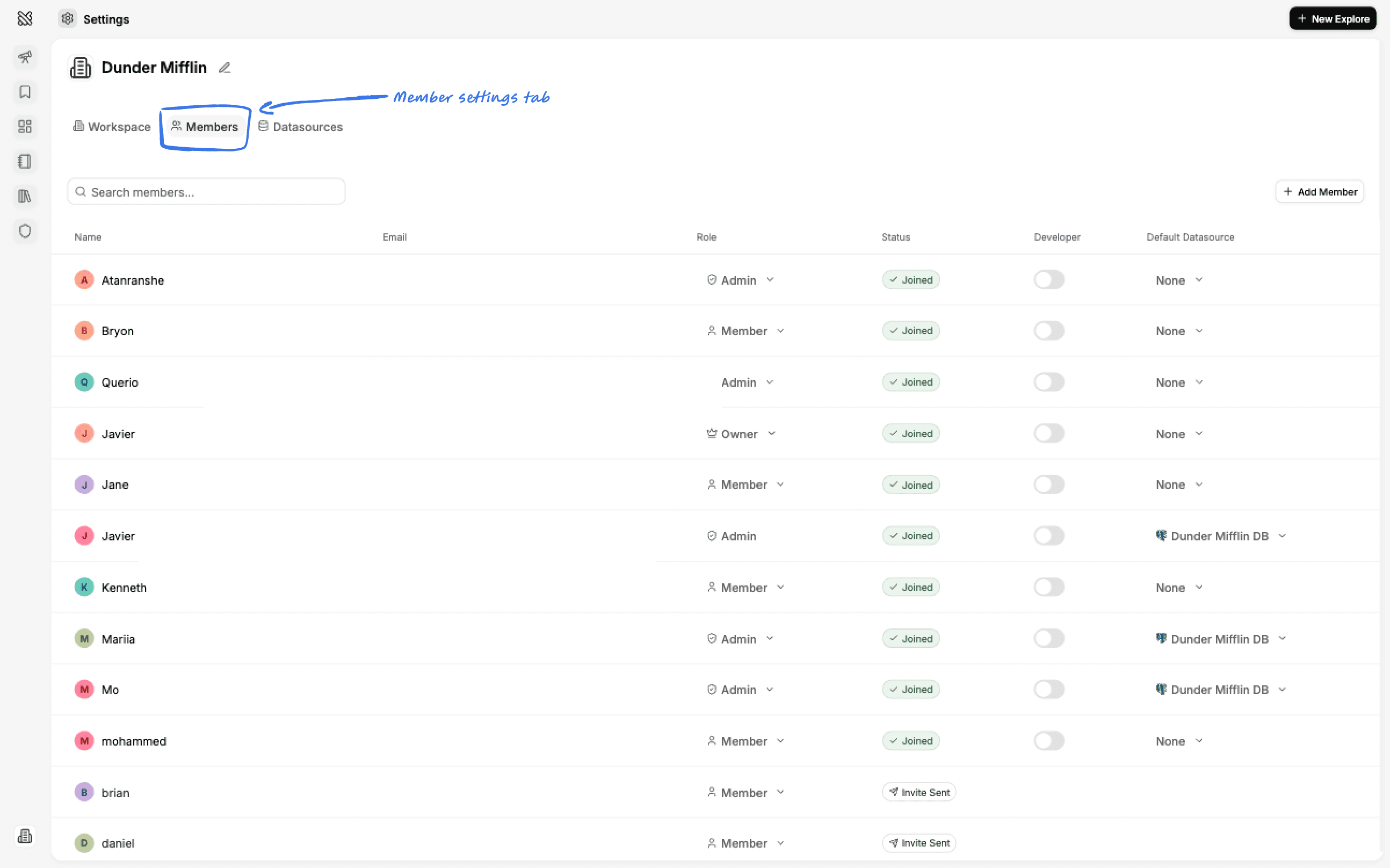
Members
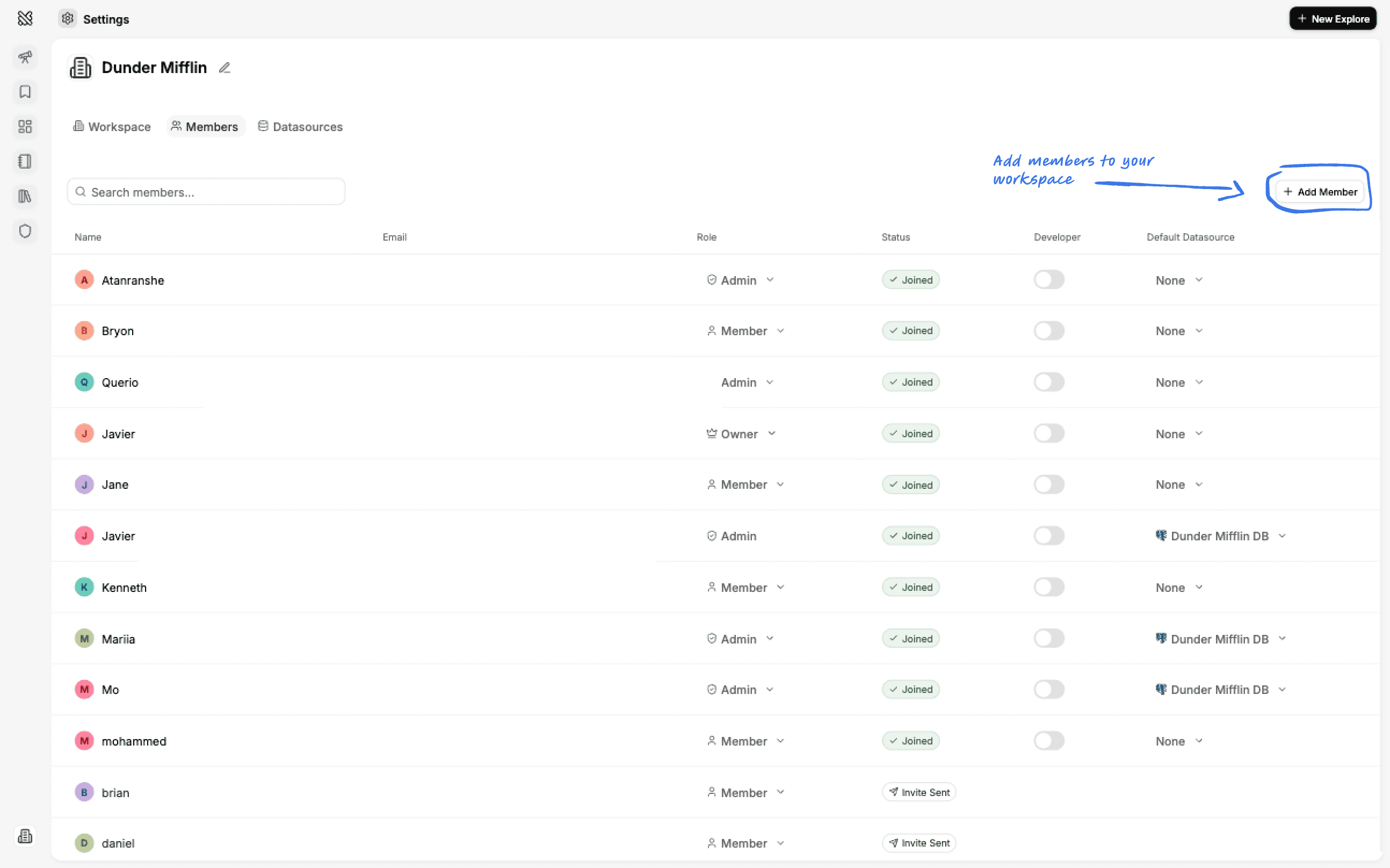
Adding New Members
In order to add new members to a Querio workspace, simply click on the Add new member button at the top right.
Now simply add their email, choose their role which can be:
- Admin → Can manage datasources, members, metadata and see everyone’s History.
- Member → Has no management rights and can only see their own History.
Then hit invite. We’ll send a signup link over email to the team members’ address.
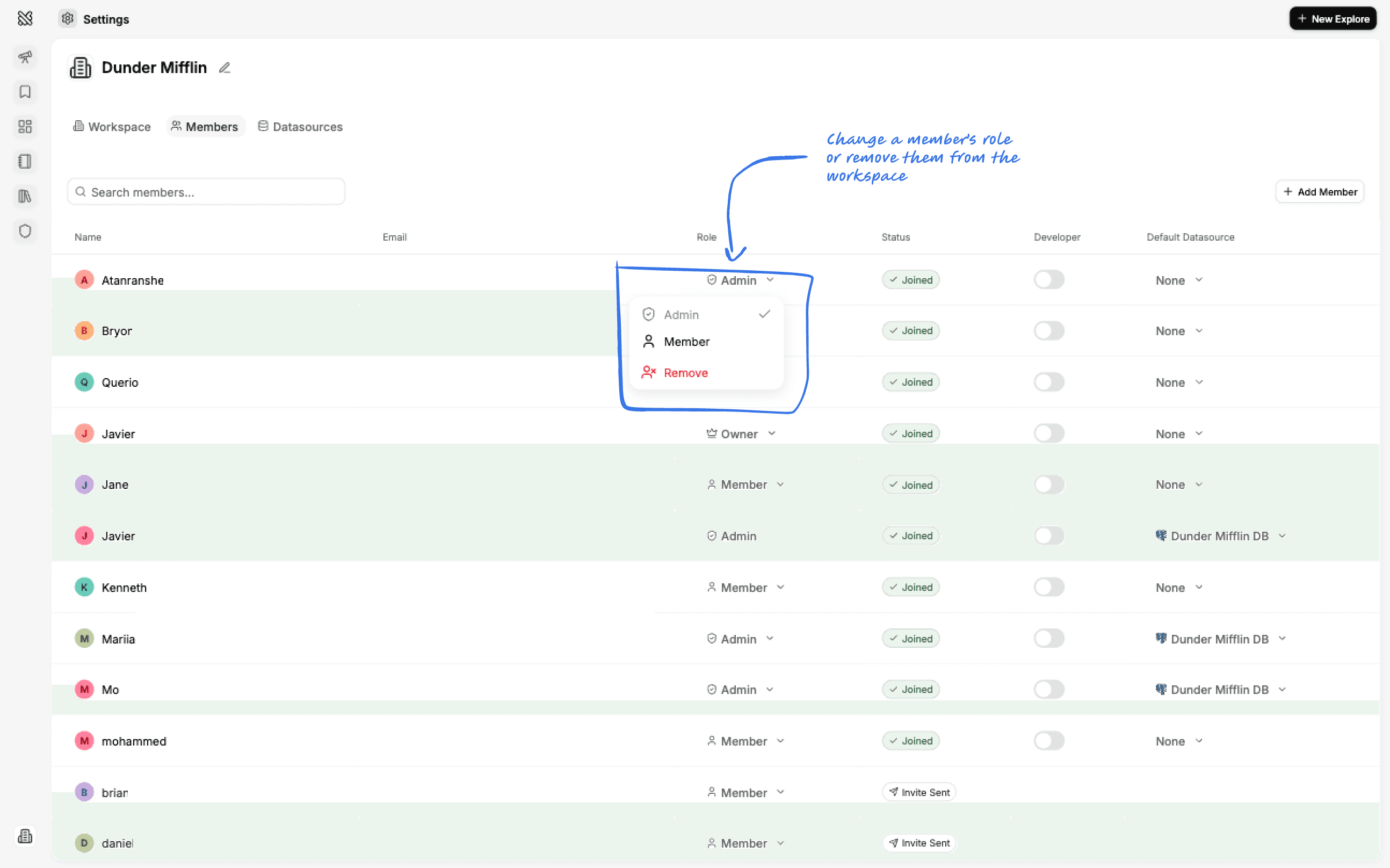
Changing a Members’ Role
You can always change a team members’ role after they’ve joined or remove them from the workspace. Simply click on the role selector and choose one.
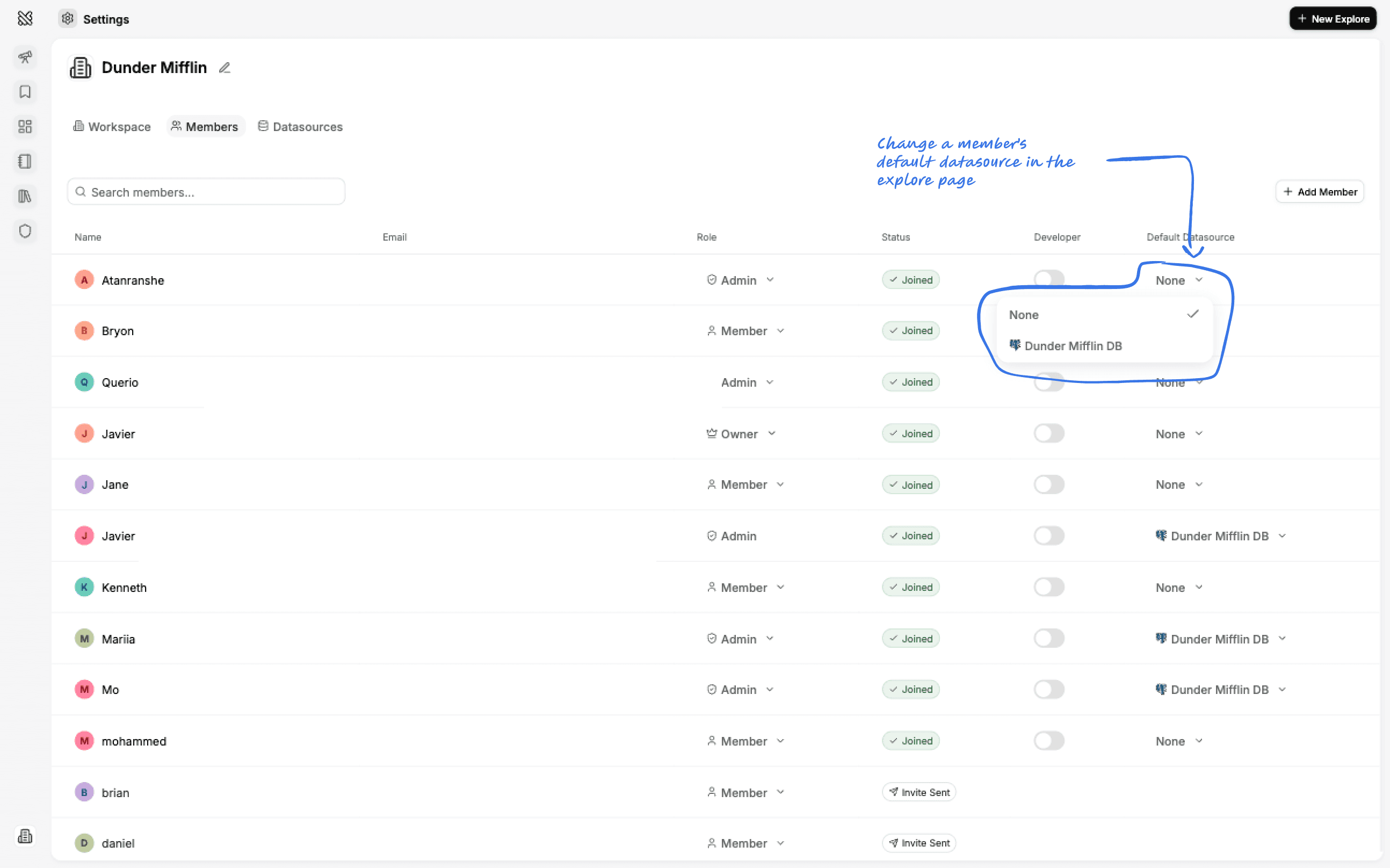
Setting a Member's Favorite Datasource
You can set yours or a members favorite datasource by selecting a favorite datasource in the members list. This is particularly helpful if you have multiple datasources and you want tabs to automatically default to that datasource.
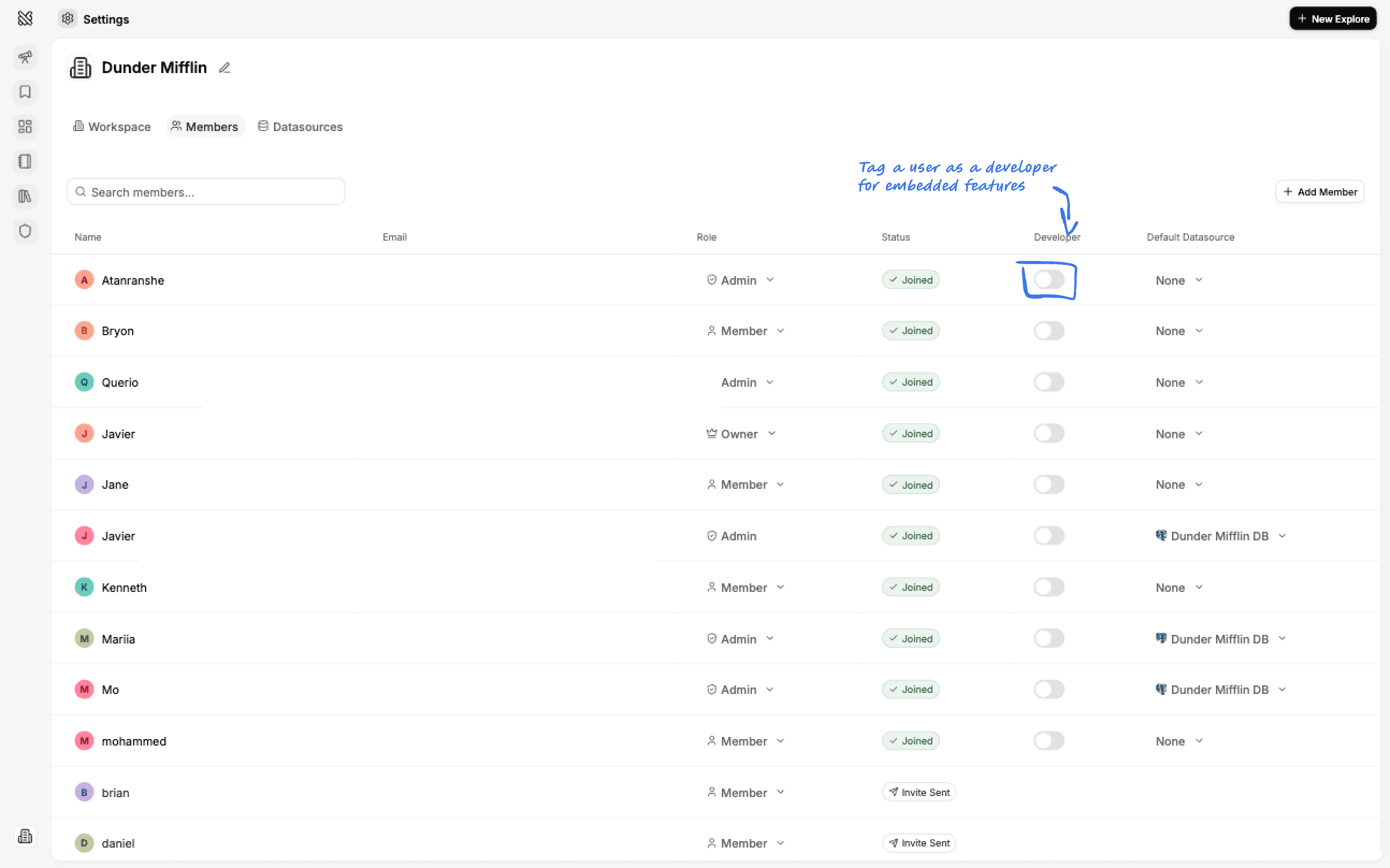
Tagging a Member as a Developer
You can tag a member as a developer by clicking the developer toggle in the members list. This will give them access to the Embedded tab.
Datasources
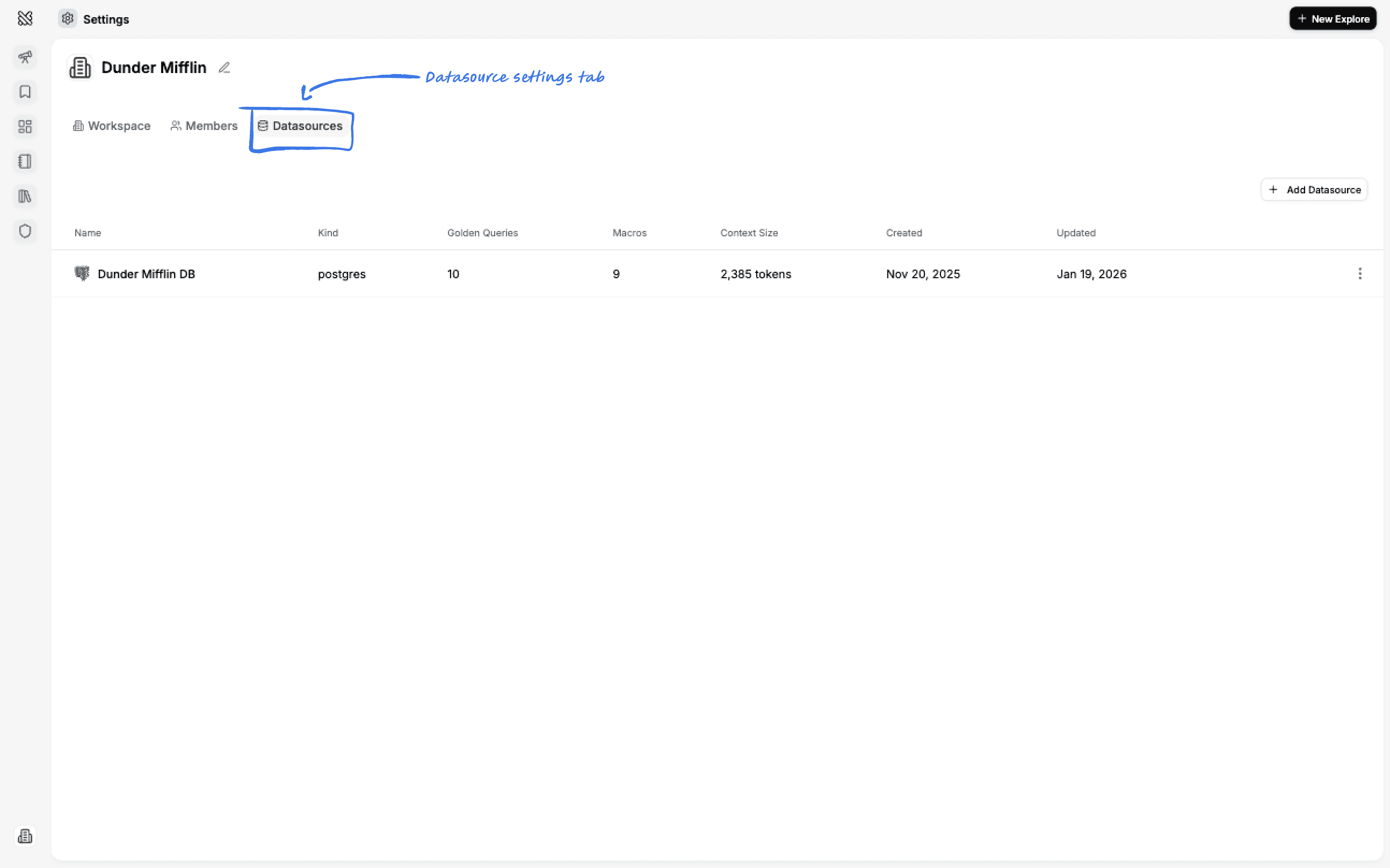
Adding a New Datasource
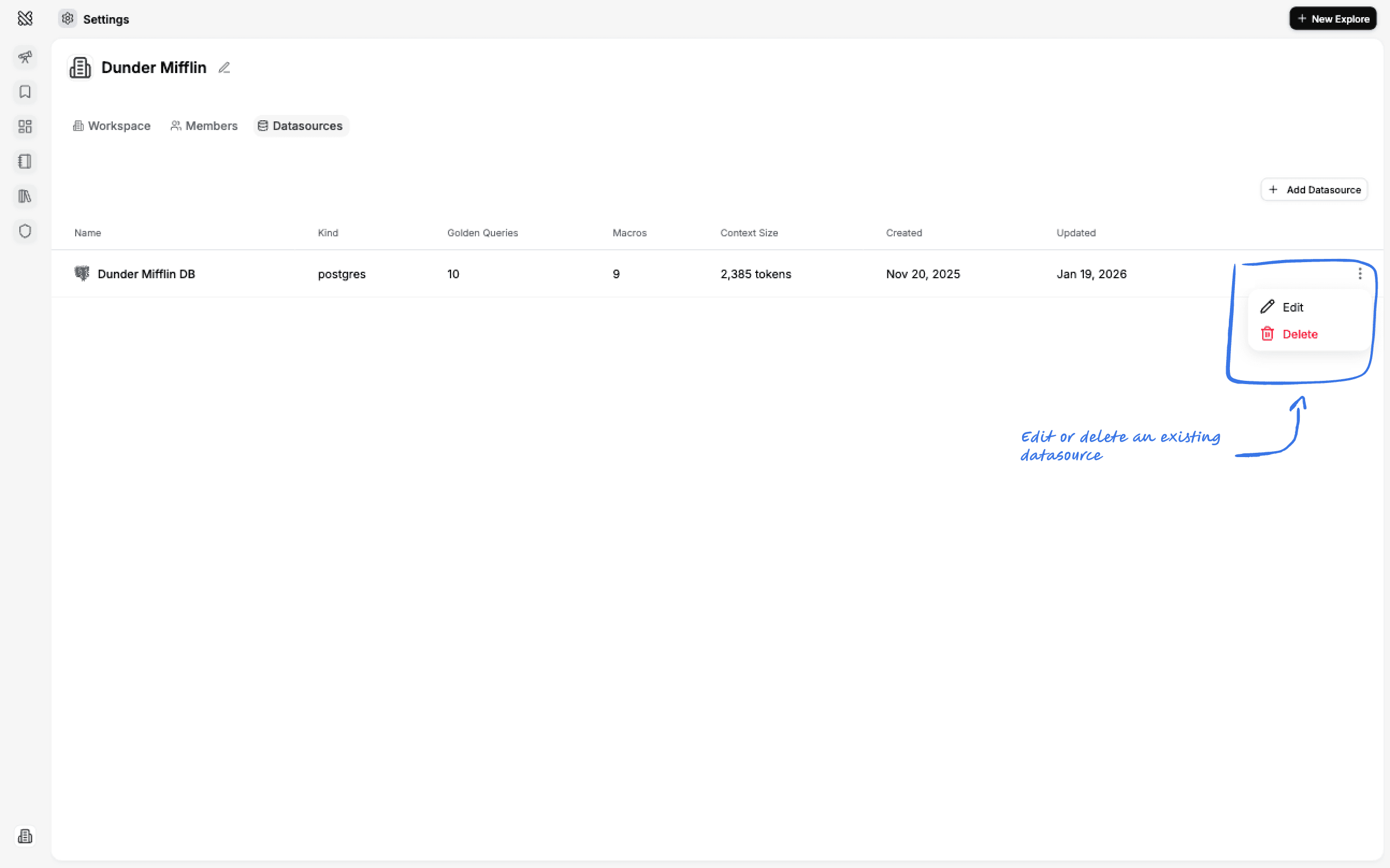
You can add a new datasource by clicking the Add Datasource button at the top right.
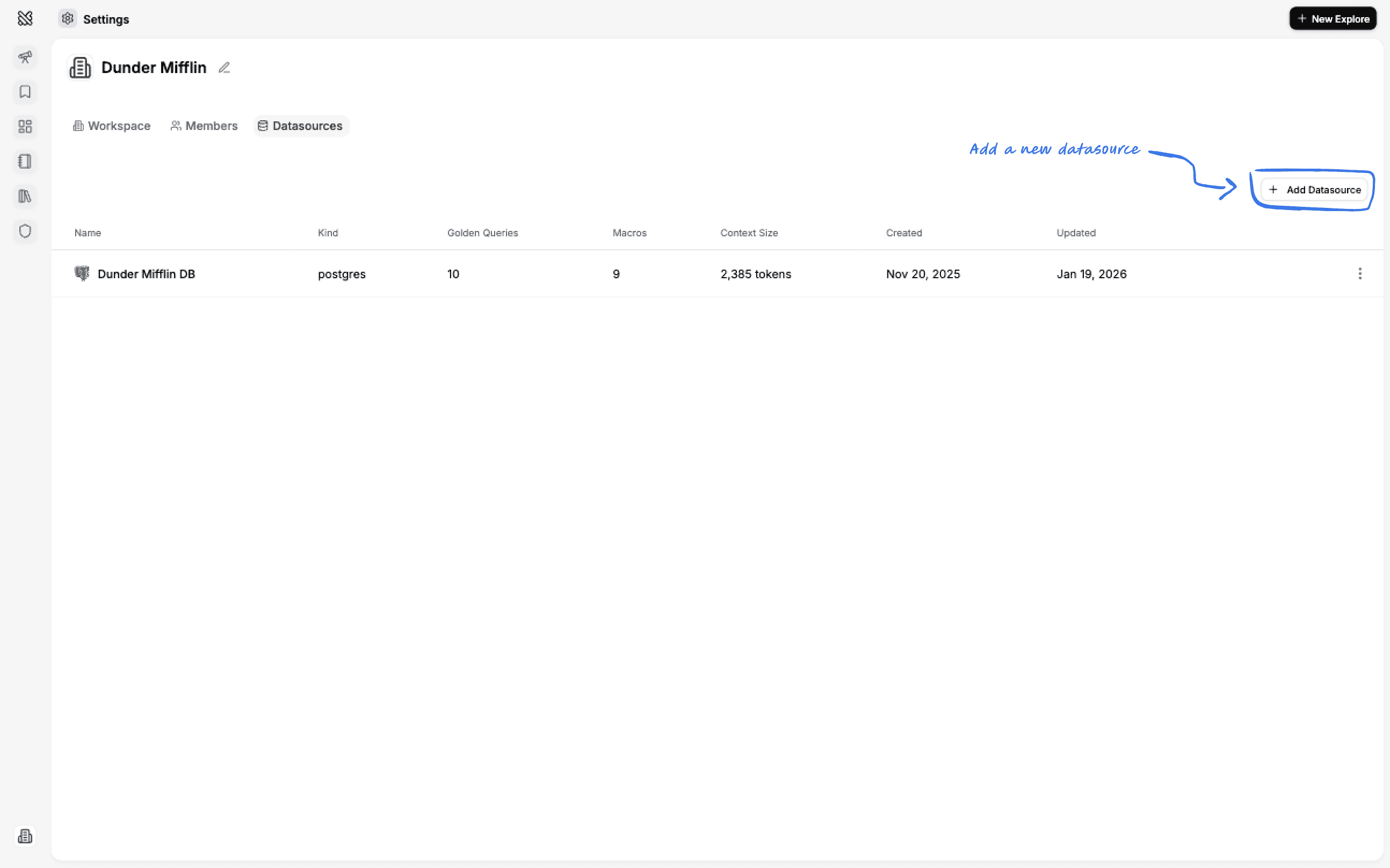
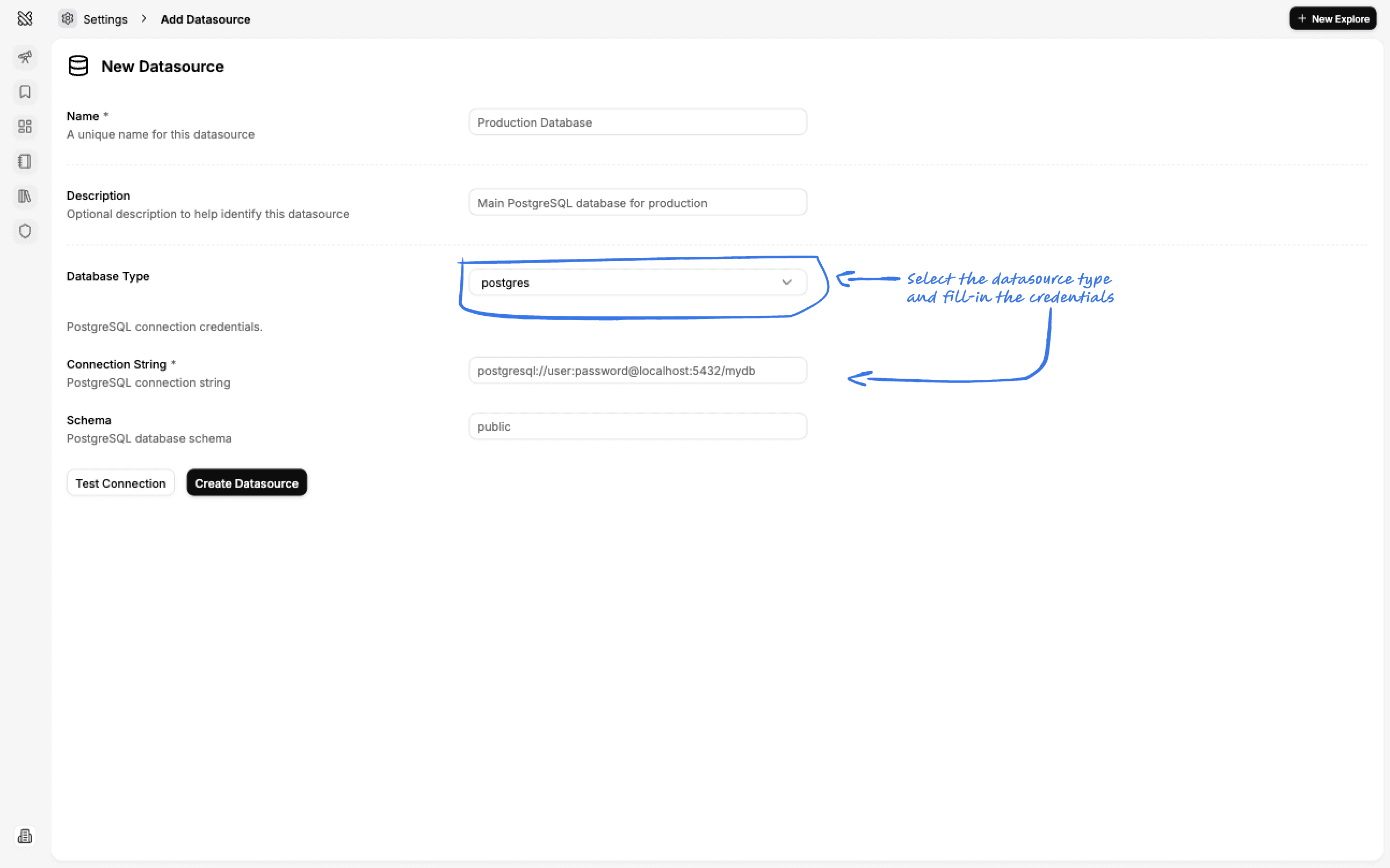
Simply select the type of datasource you want to add and follow the instructions to provide the necessary credentials.
Editing a Datasource
You can edit a datasource by clicking the three dots and then the edit button in the datasource list.