

Embed Explore in an iframe
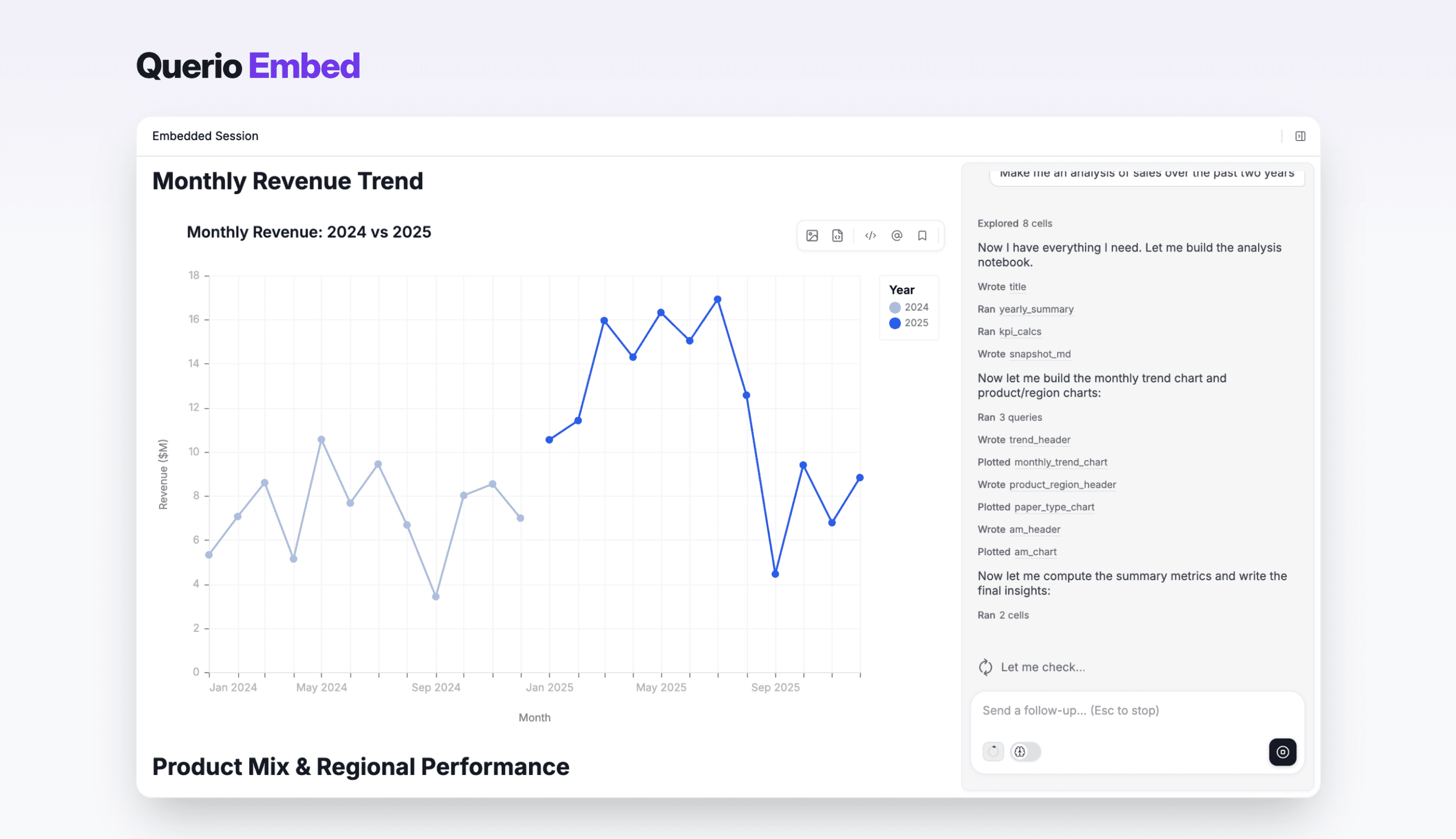
Embed the Querio explore page in your own product via an iframe.
Overview
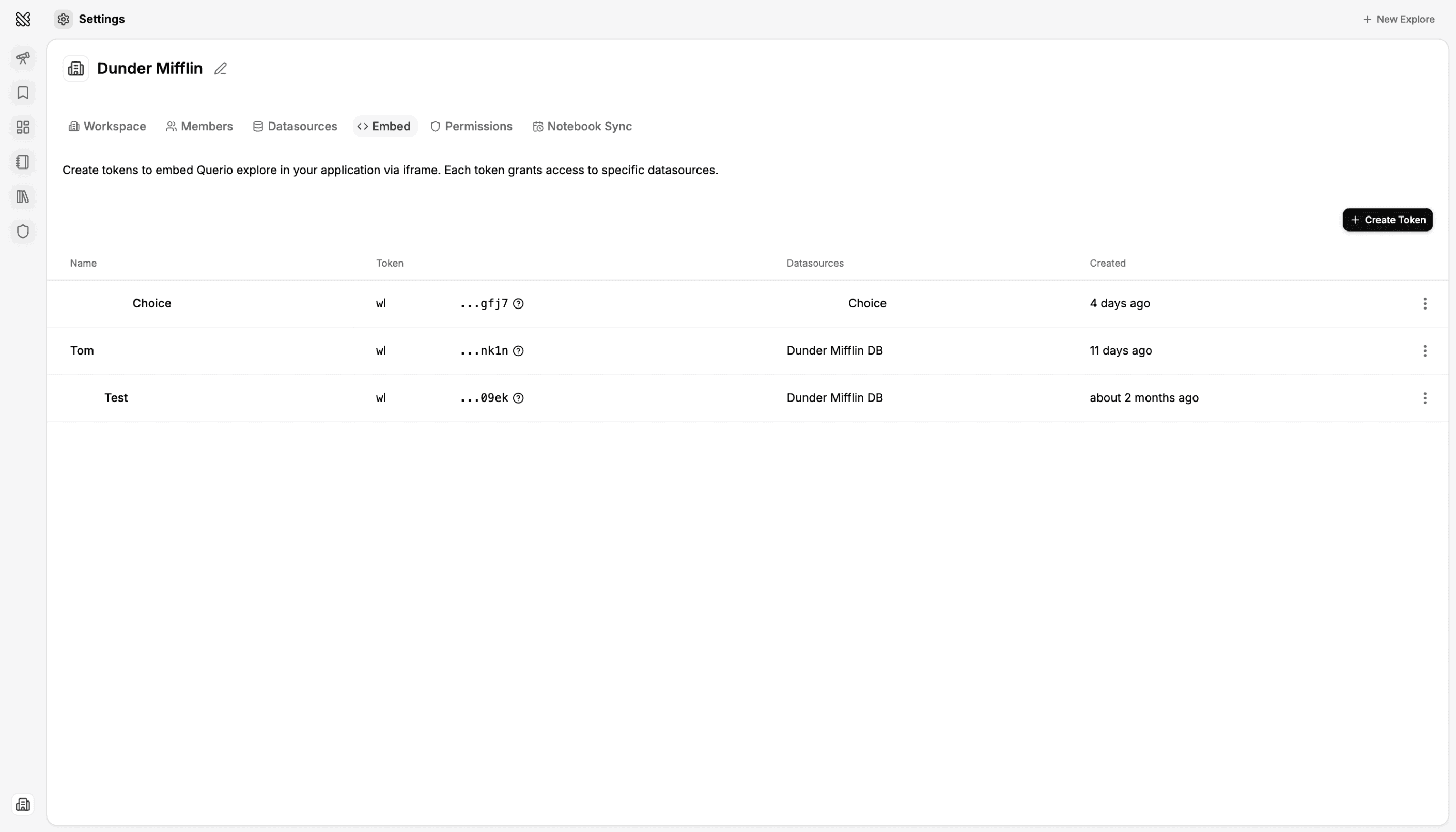
You can embed the Querio explore page in your own product using an iframe. Access is controlled by a workspace iframe token.
Embedded iframe vs Embedded API
Embedded iframe = UI embed. Users see the full explore page inside an iframe on your page; the URL includes a workspace iframe token (token=wks_...).
Embedded API = Headless API access using client credentials to build your own UI.
Implementation
- Create a workspace iframe token in the Querio app. This token will be used to authenticate the session and enforce workspace and datasource access.
- Copy the embed URL or full iframe component that is shown in the app. This URL includes the token as a query parameter.
- Embed that URL in an
<iframe src="...">in your product. The app loads the explore page inside the iframe and uses the token to authenticate the session and enforce workspace and datasource access.
Embed URL parameters
- token (required): Workspace iframe token (
wks_...). Authenticates the session and enforces workspace and datasource access. - query (optional): Initial user message; if present, the session auto-runs the agent with this query (URL-encoded).
Security
- Treat the token as secret. Share it only over secure channels (e.g. server-side config, env vars). Do not expose it in public client code if the embed should be restricted.