

Knowledge Base
The Knowledge Base tab houses all of the metadata that the Querio agent uses to work with your data. It is divided into three main parts:
Data Catalog
The Data Catalog shows all the schemas, tables and columns in your database with some key pieces of metadata.
Components
Components are SQL or Python snippets that will explain to Querio how to work with your data and make more specific calculations.
Macros
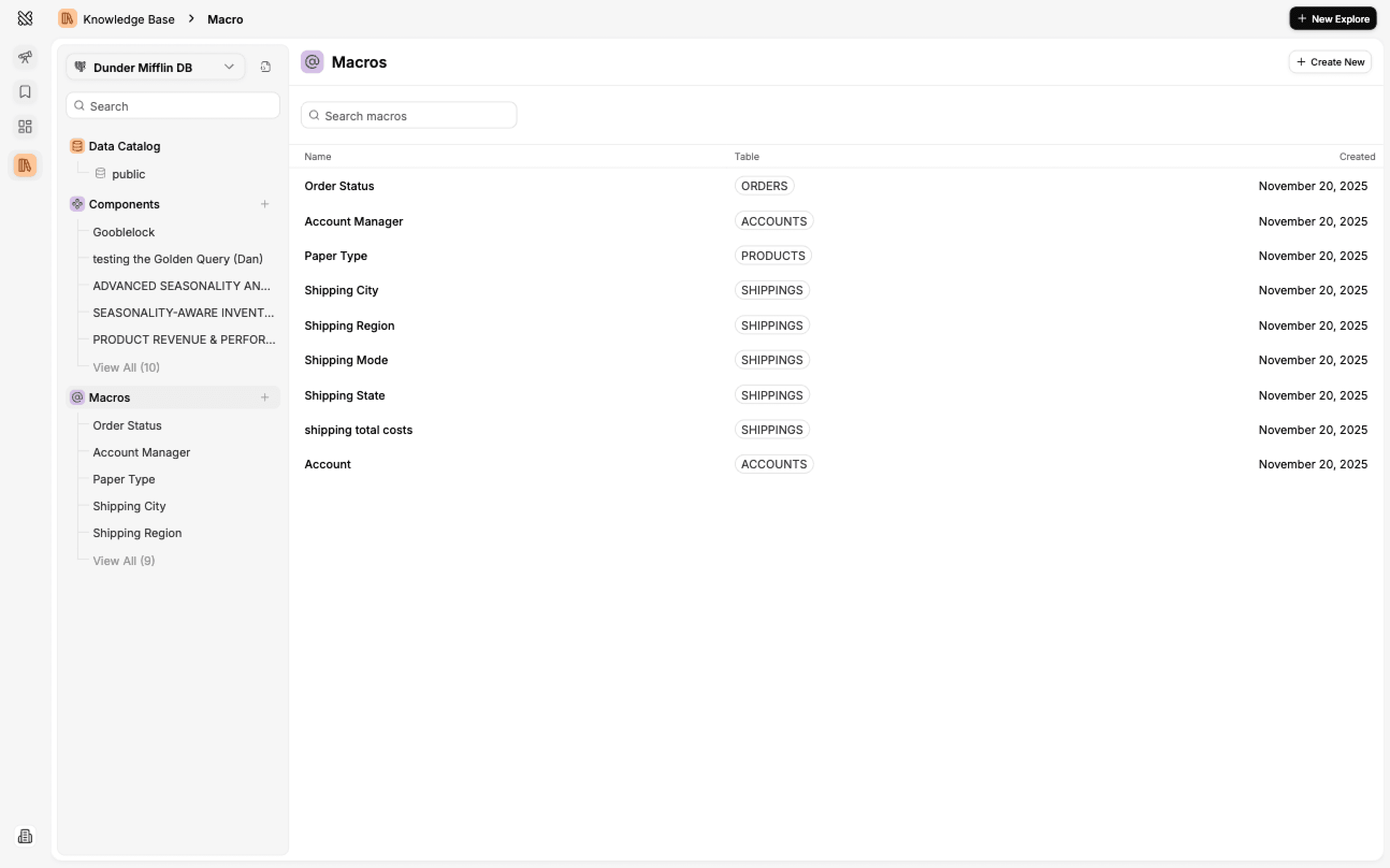
Macros are shortcuts that let you quickly reference specific values from your database columns when writing prompts in the Explore page.
Data Catalog
The Data Catalog shows all the schemas, tables and columns in your database with some key pieces of metadata.
Agent Access Control
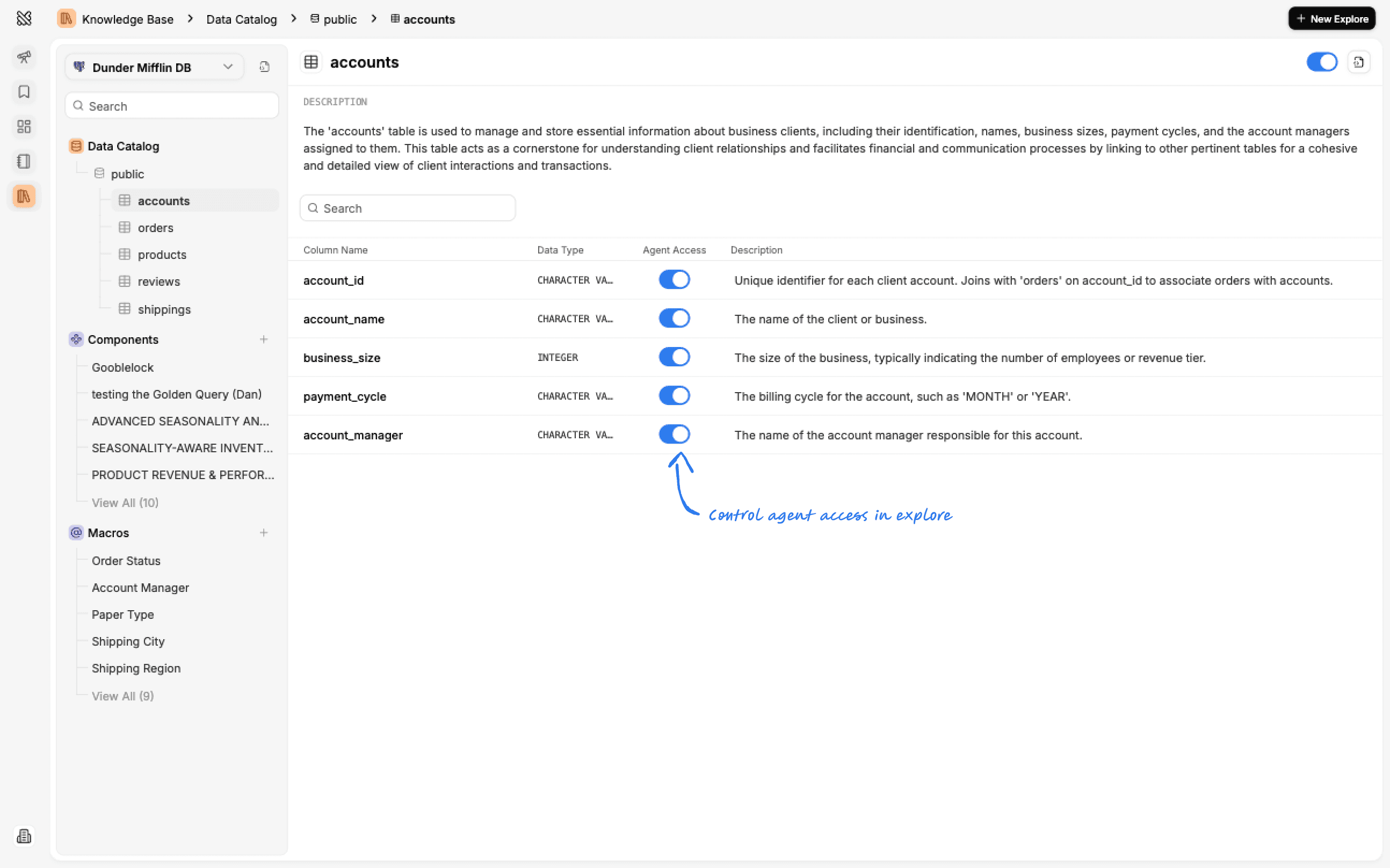
Every schema, table and column on Querio has an agent access control setting that allows you to control whether the Querio agent in the Explore page can see and interact with this schema, table or column using SQL. You can see and change this setting using the toggles next to schemas, tables and columns.
Descriptions and Other Metadata
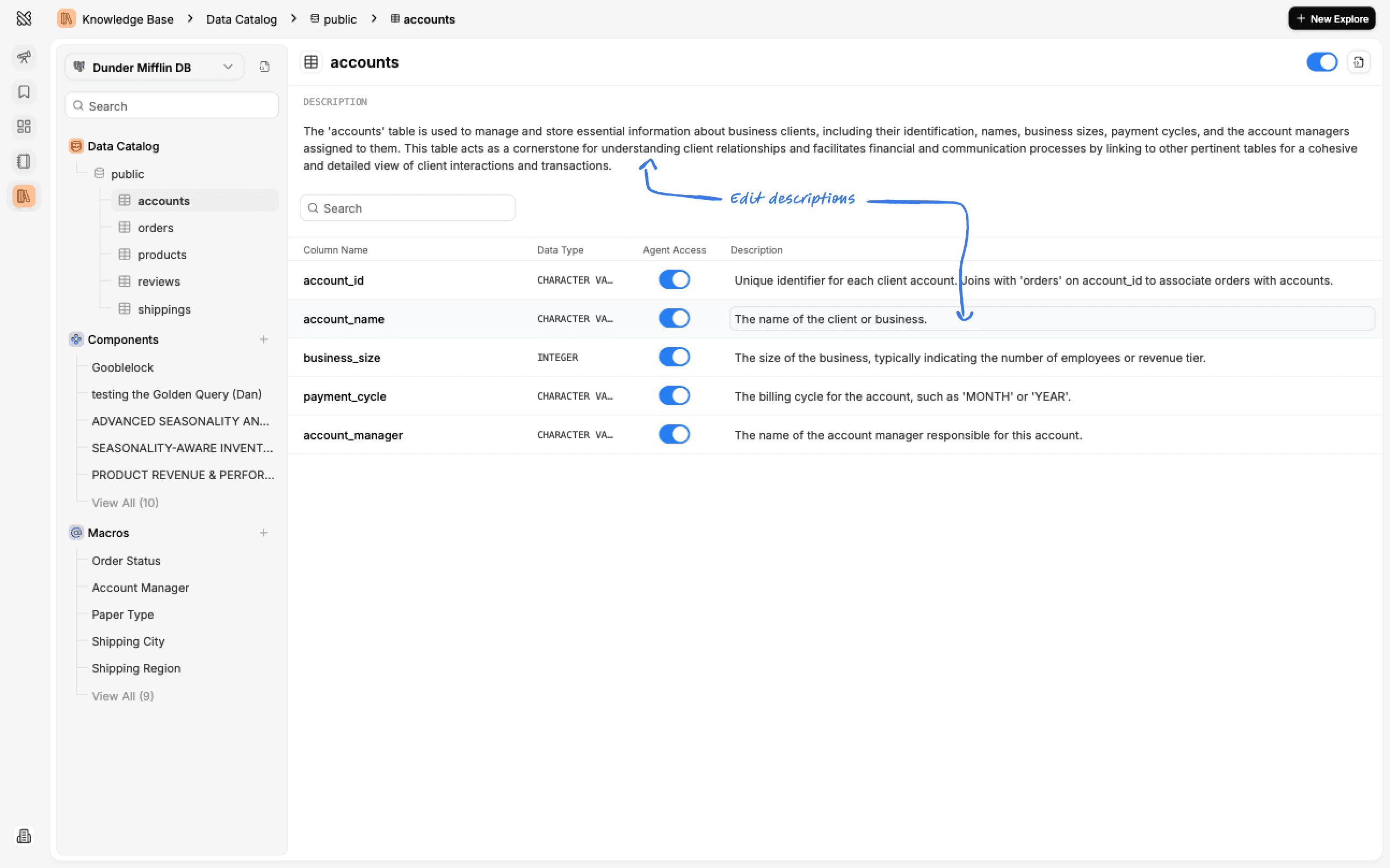
The database as a whole, tables and columns all have descriptions and other metadata you can update to explain to Querio how to work with your data. Admins can edit that metadata by clicking any of the edit icons.
Bulk Editing
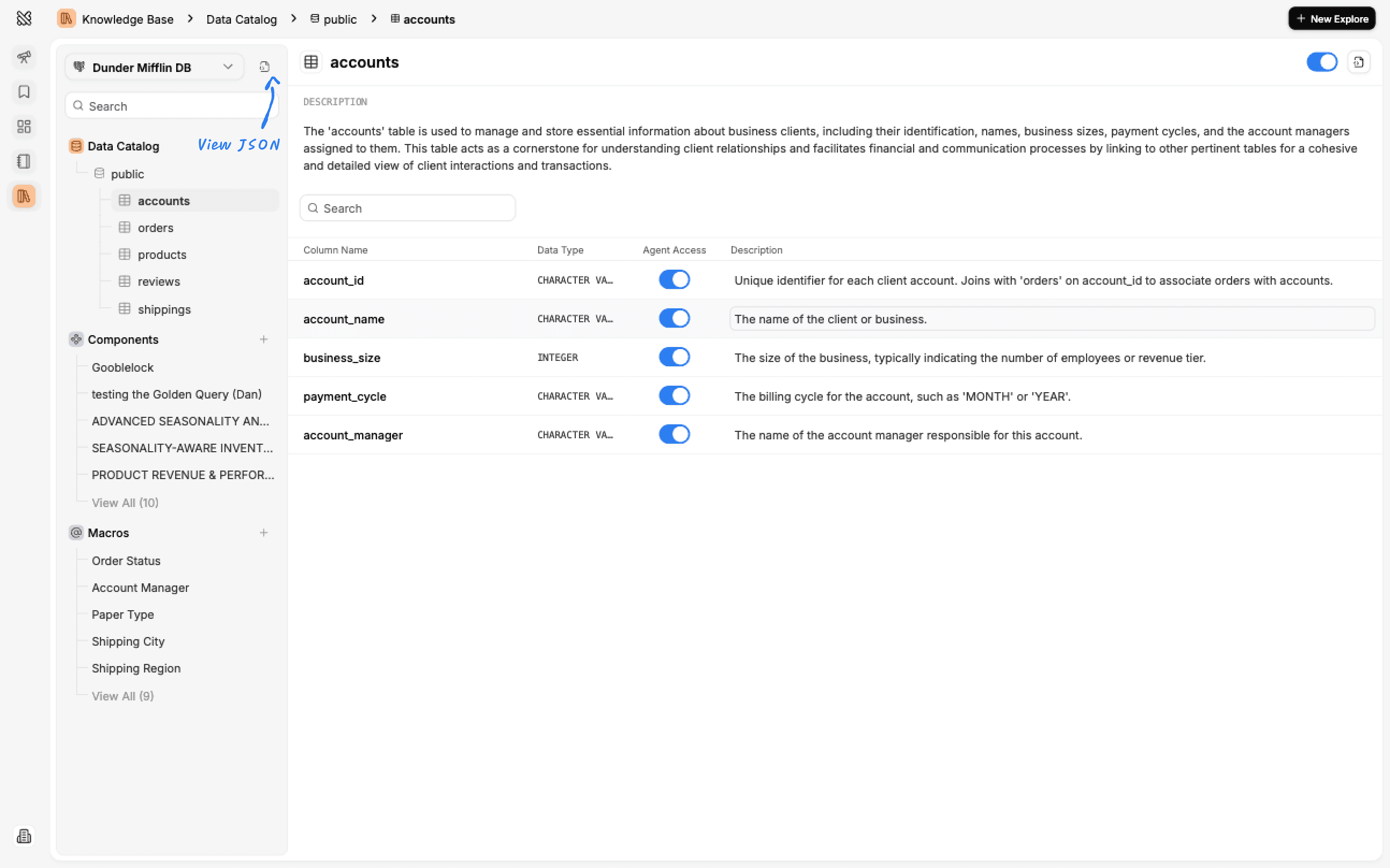
You might want to make many updates at once and to make that faster you can use the JSON view. This will let you make updates to all table and column metadata in a single go and save them in bulk. Simply toggle JSON view, make your updates and save them.
Adding New Tables
If you need to add a new table to the data catalog, follow these steps:
- Click the the Add Schemas button
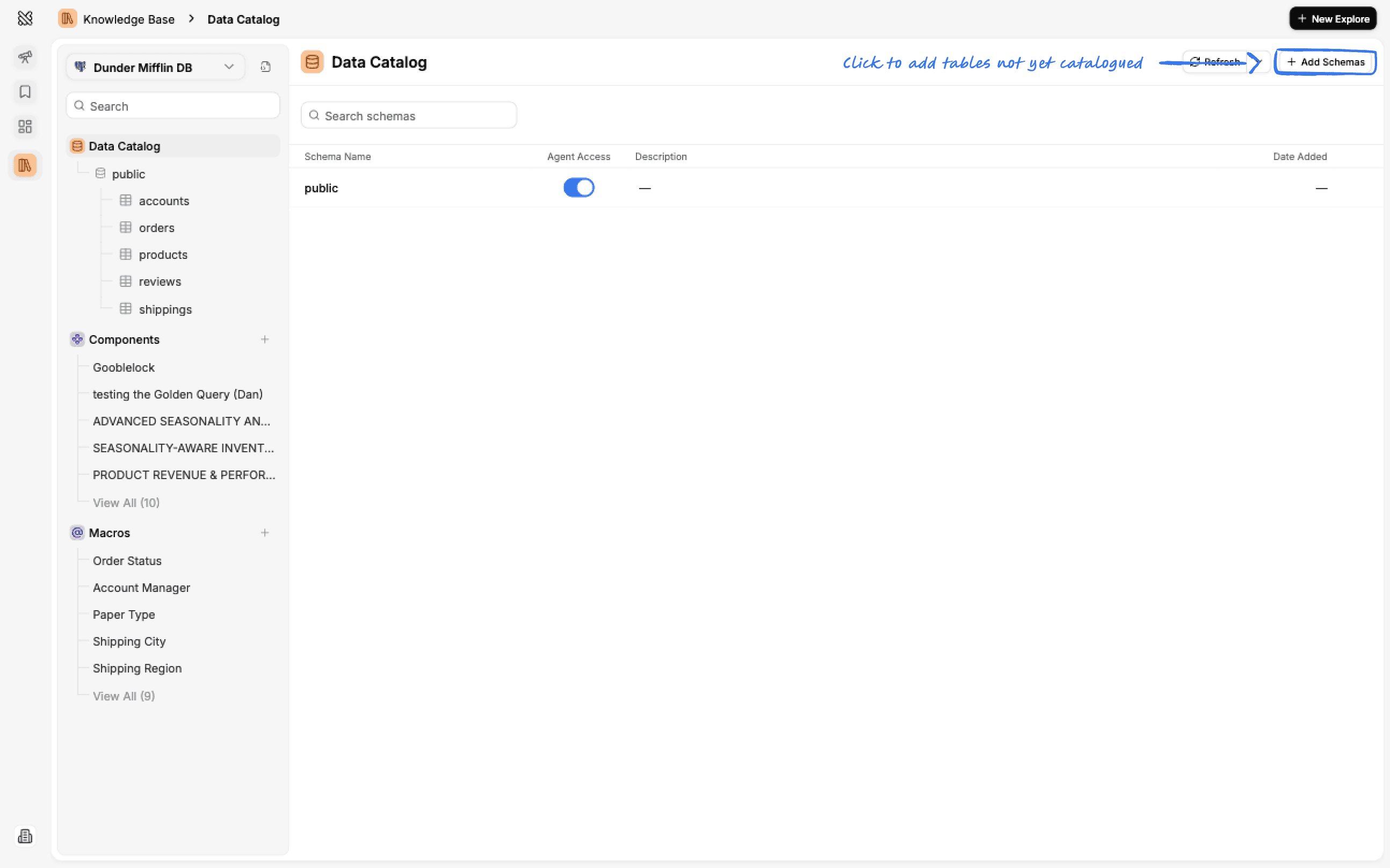
- Select the schemas and tables you want to generate catalog for.
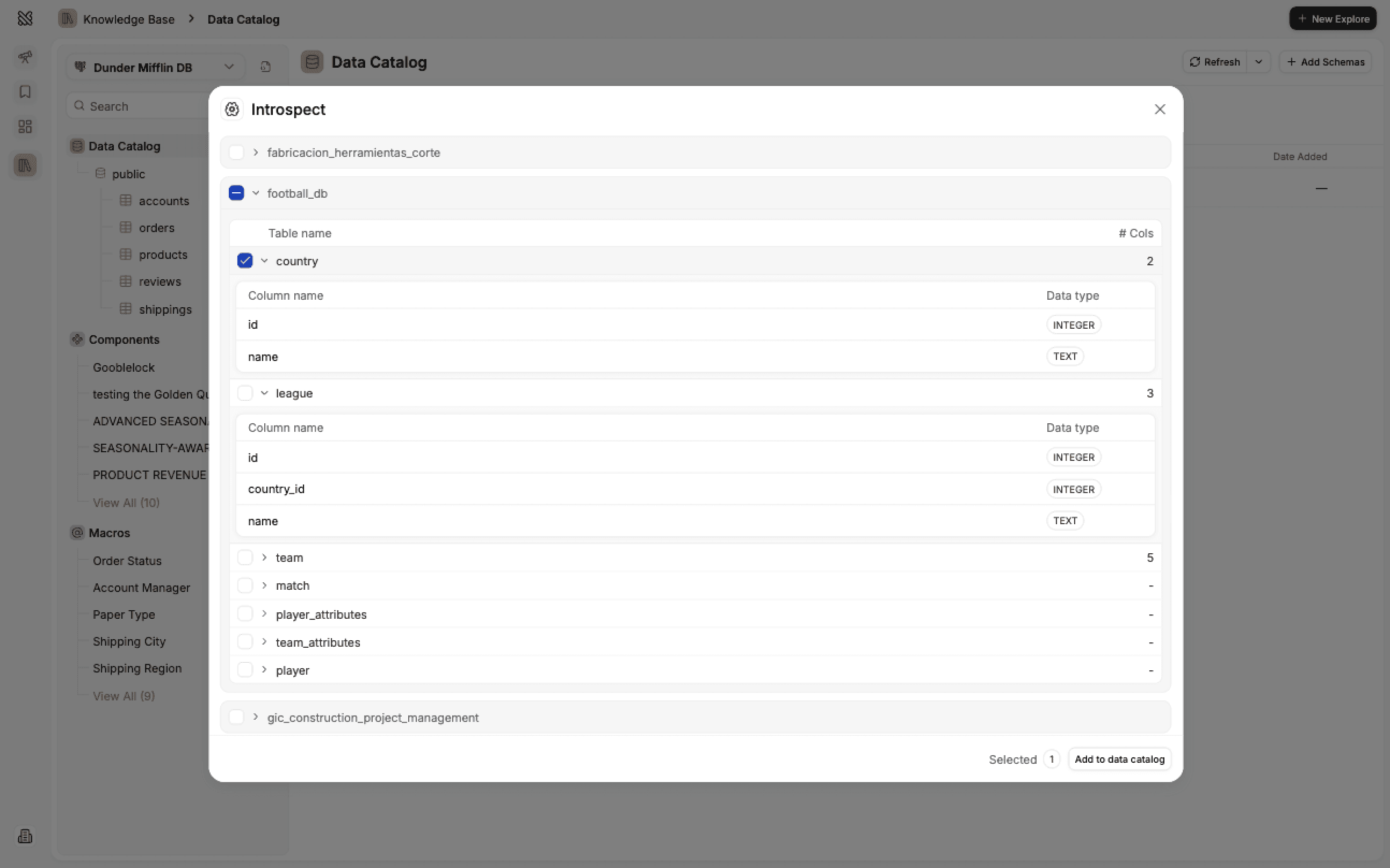
- Once done you'll see a job added to the queue to generate the catalog for the selected schemas and tables.
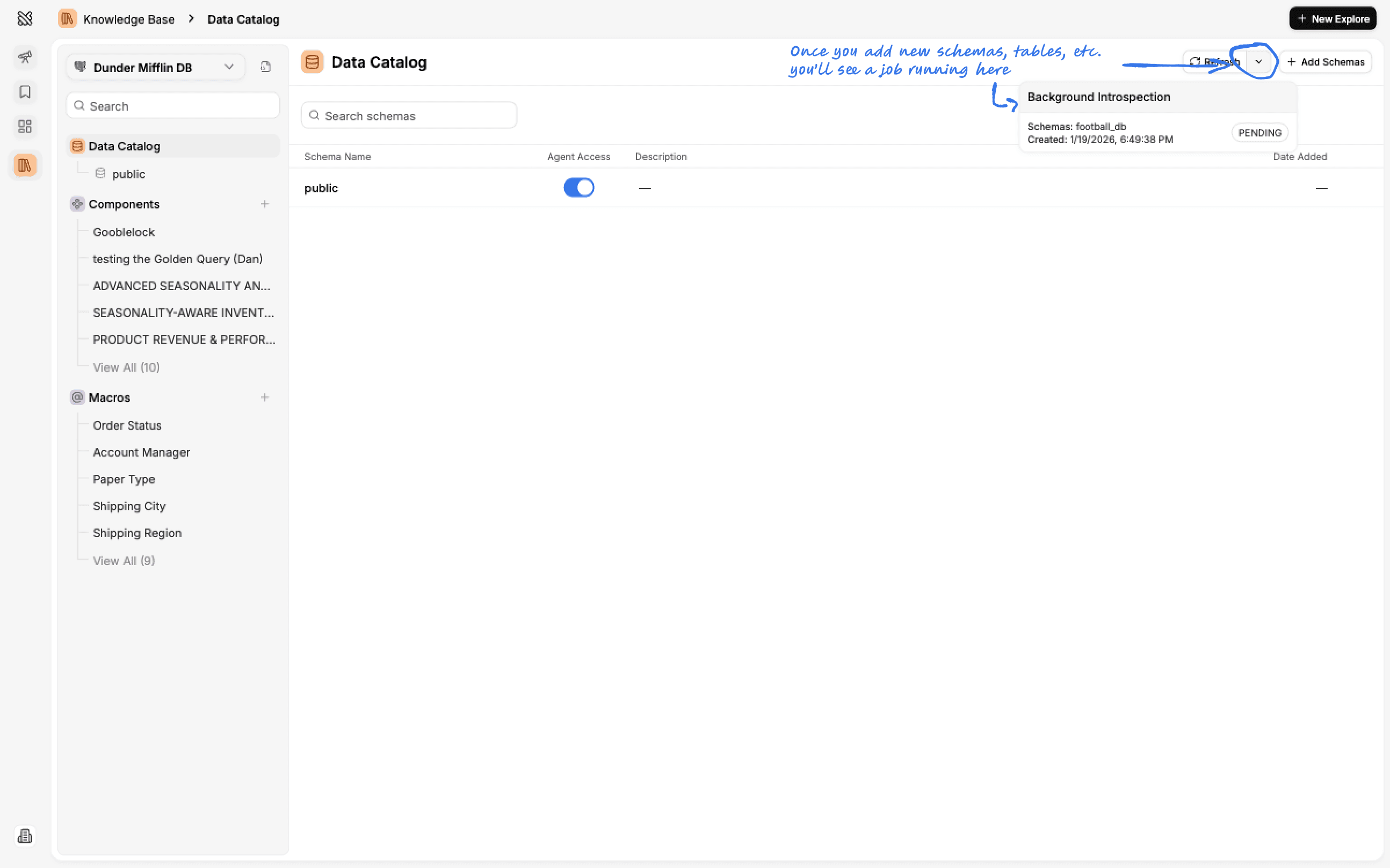
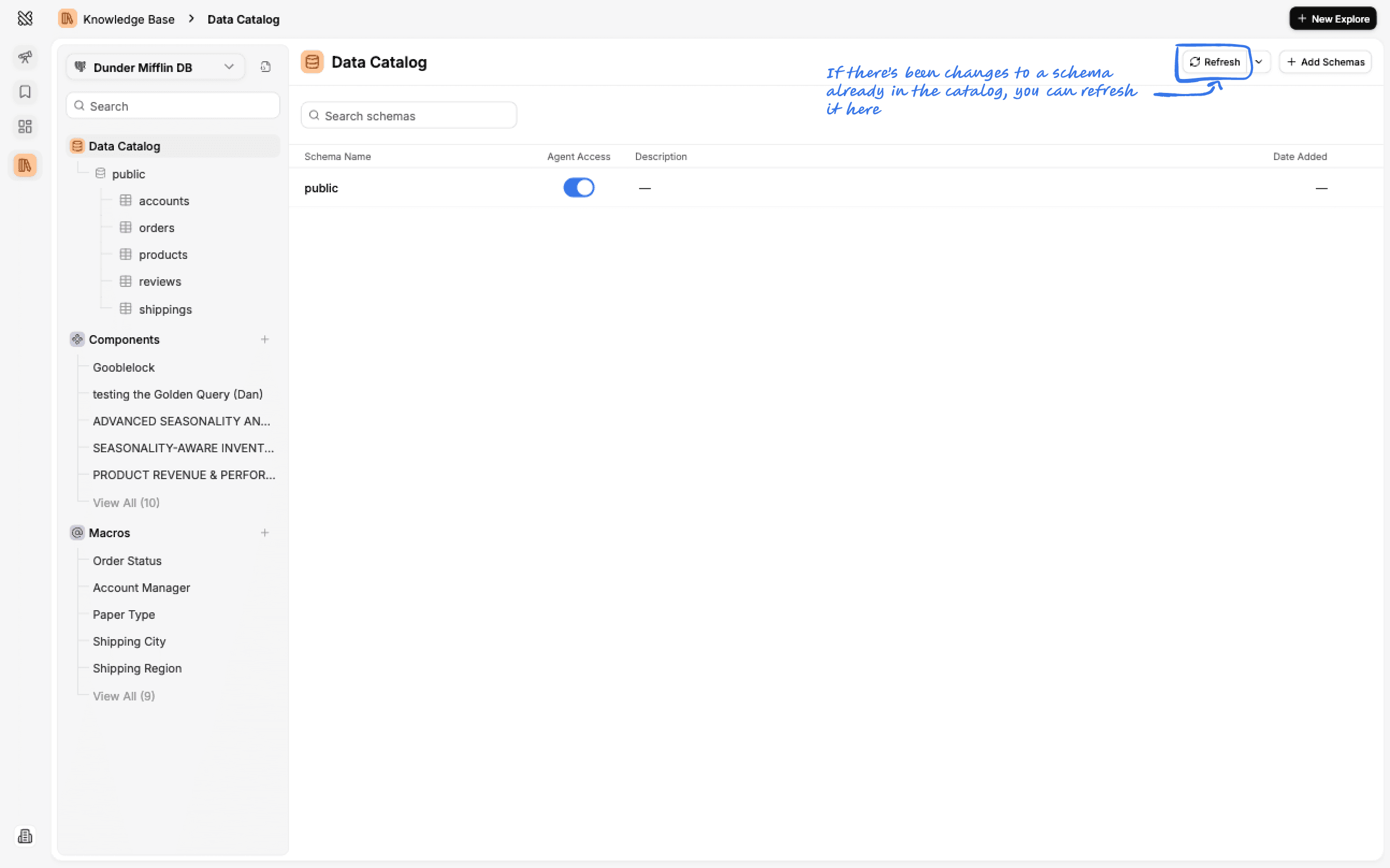
If you ever need to refresh the catalog foran already existing schema or table, you can do so by clicking the refresh.
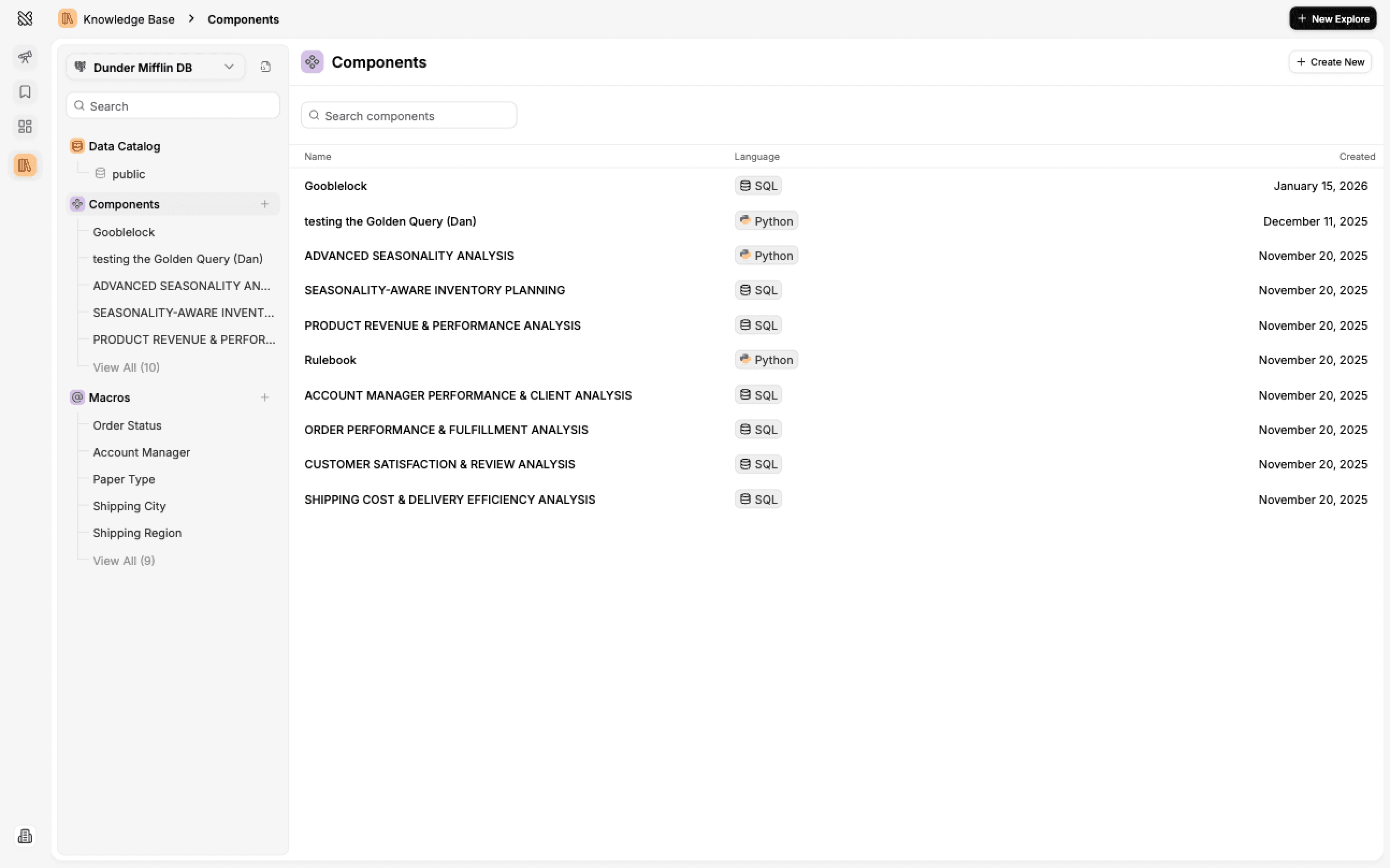
Components
Components are SQL or Python snippets that will explain to Querio how to work with your data and make more specific calculations.
Macros
Macros are shortcuts that let you quickly reference specific values from your database columns when writing prompts in the Explore page.
Boards
In the Boards tab you can find all of your teams' boards and create new ones. A Board is a collection of insights and it is an easy way to put many of them together to share and tell a data story.
Visualizations
Learn how to create stunning visualizations in Querio using Altair's powerful charting library.