Explore modes
Use Chat, Hybrid, or Layout mode depending on how much of the notebook you want to see.
Explore has different modes so you can choose how you want to work.
Chat mode
Chat mode focuses on the conversation with the agent.
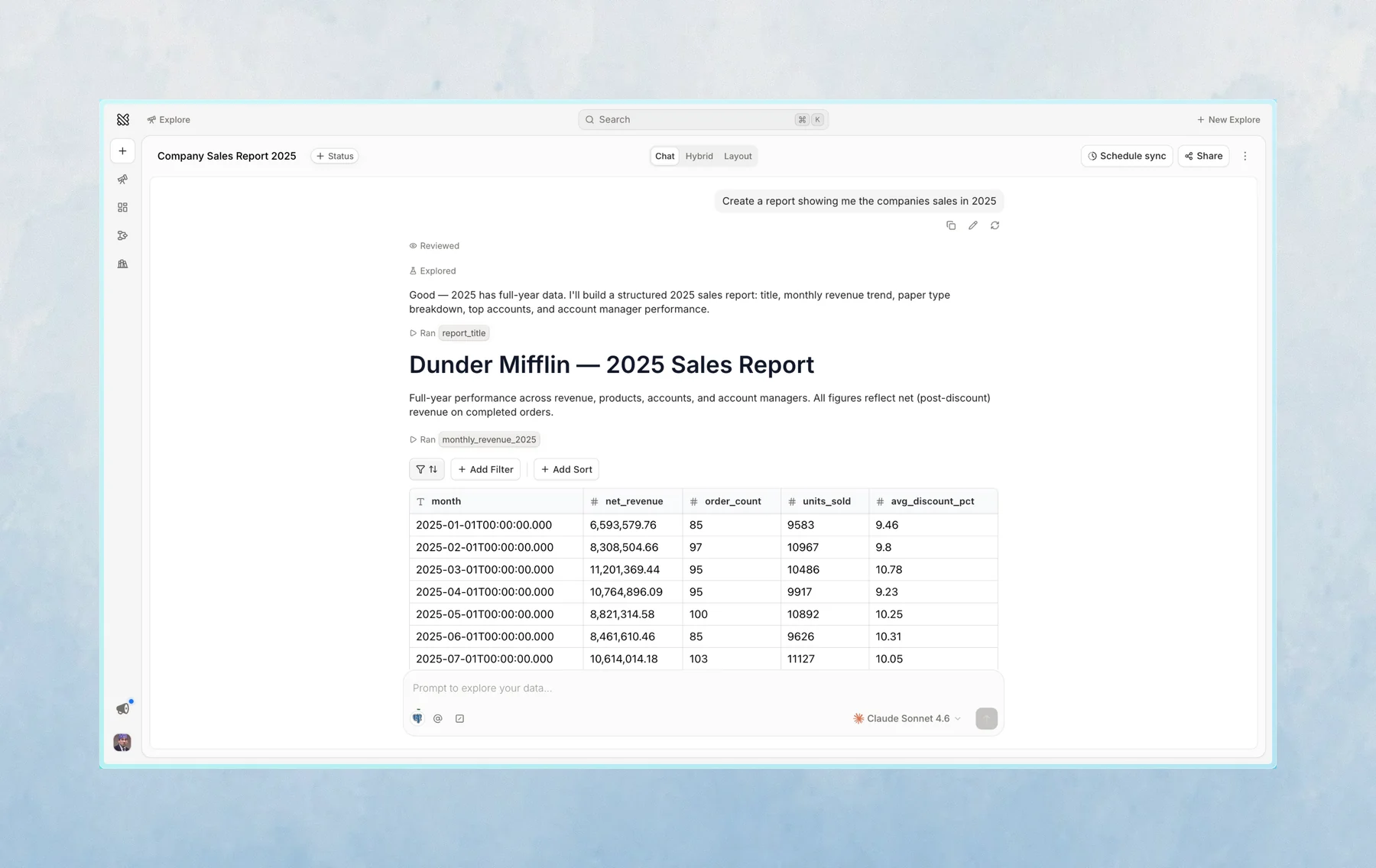
Use Chat mode when you want quick analysis, a written summary, and the notebook kept out of the way.
Hybrid mode
Hybrid mode shows the chat and notebook together.
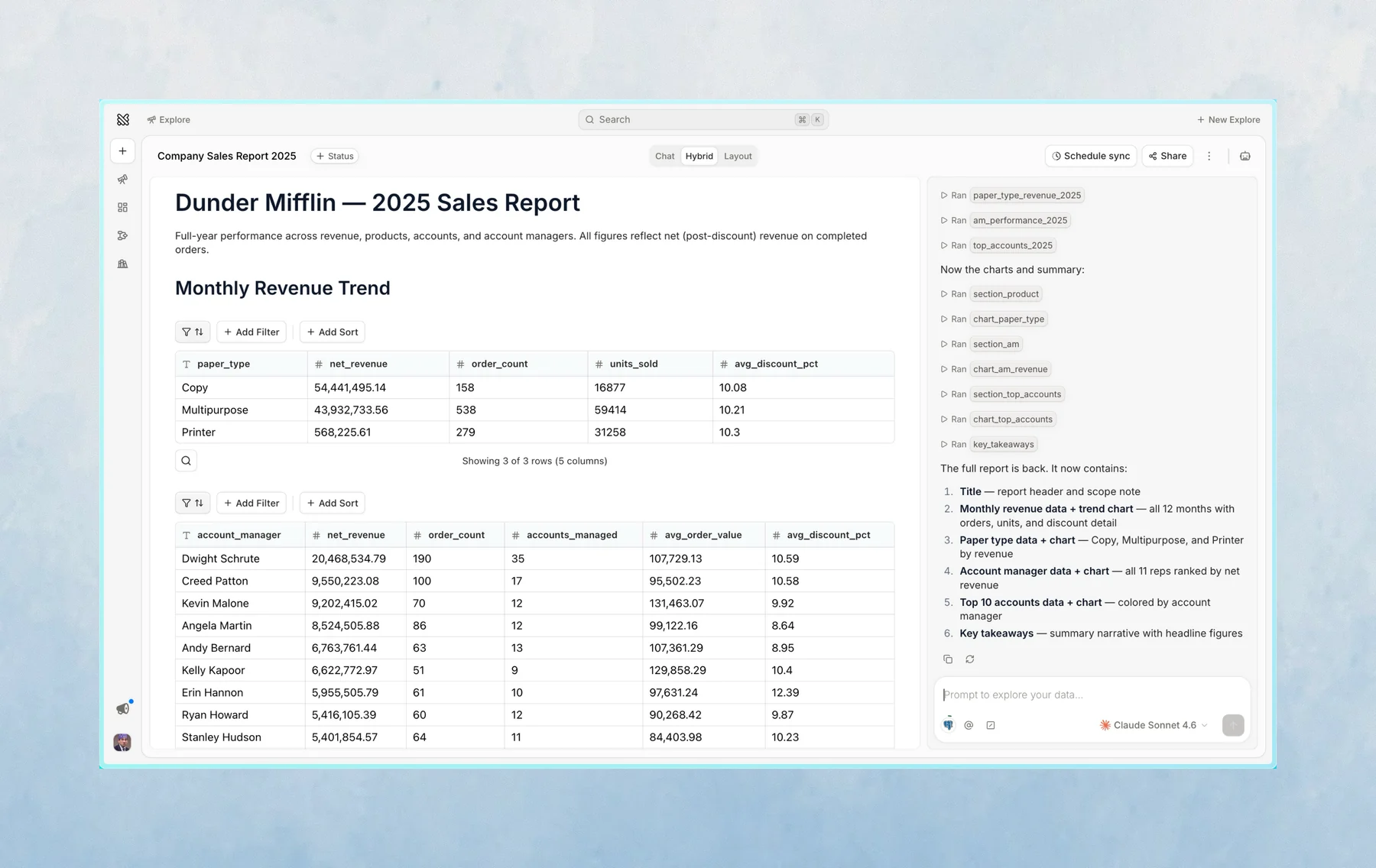
Use Hybrid mode when you want to see how Querio is producing the analysis, inspect the SQL or Python, and work directly with cells.
Layout mode
Layout mode presents selected notebook cells on a clean canvas, hiding the chat and intermediate work.
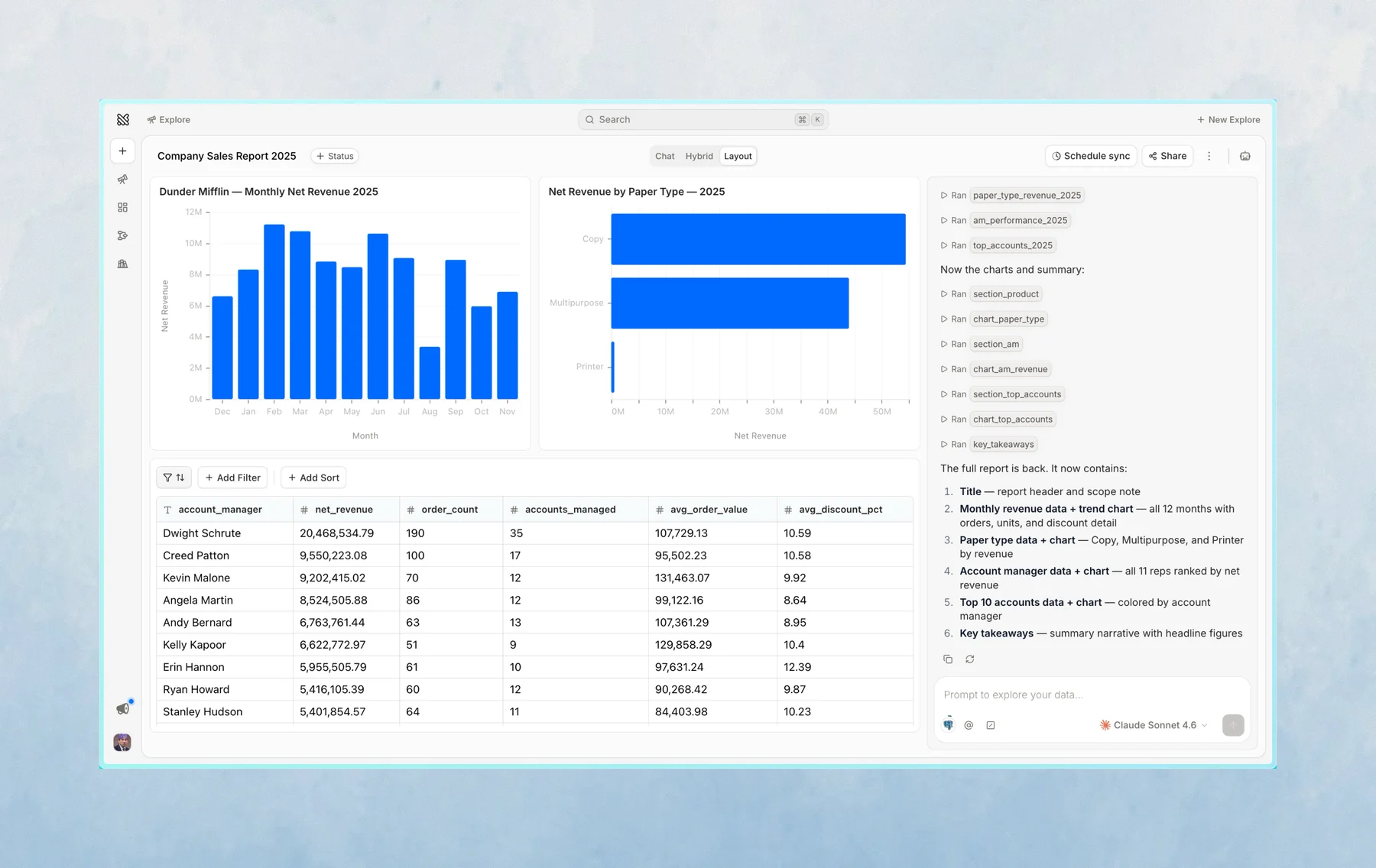
Use Layout mode when you have a finished result you want to share, monitor, or revisit later without the clutter of the conversation.
Which mode should I use?
Start in the mode that feels most natural:
- Use Chat mode for quick analysis and follow-ups
- Use Hybrid mode when you want to inspect, edit, bookmark, or arrange notebook results
- Use Layout mode to present a clean, dashboard-like view of your findings
You can switch modes while working in the explore.
Last updated on October 19, 2026