Getting started
Run your first explore
A brief introduction to exploring data with Querio.
An explore starts with the analysis you want Querio to run.
Describe the work you want Querio to do and send it. Querio will read the available context, choose the data it needs, and create notebook cells that show its work.
Write a good first request
Good requests are specific. Include the metric, timeframe, and any filters you care about.
Examples:
- "Show monthly revenue for the last 12 months."
- "What were the top 10 customers by order volume last quarter?"
- "Compare conversion rate by acquisition channel this year."
Review the work
After Querio responds, review both parts of the explore:
- The chat explains what the agent did and lets you continue the analysis
- The notebook shows the SQL, Python, charts, tables, and text created during the analysis
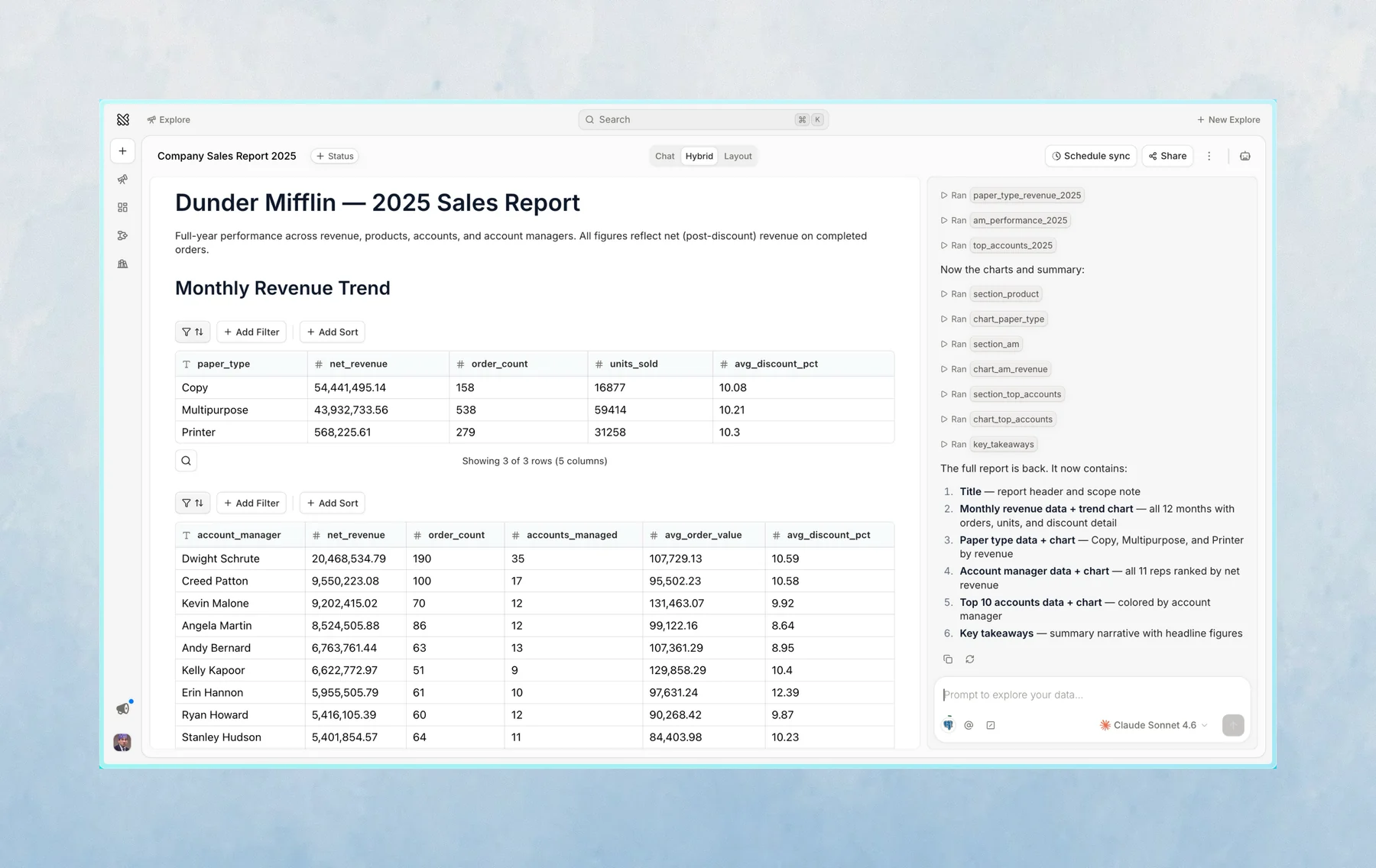
If something is wrong or missing, send a follow-up. Querio will continue from the same explore.
Keep useful results
When a result is important, bookmark it or add it to a layout. You can always come back to the explore later from History.
Last updated on October 16, 2026