Getting started
Create a layout
Turn useful notebook results into a layout.
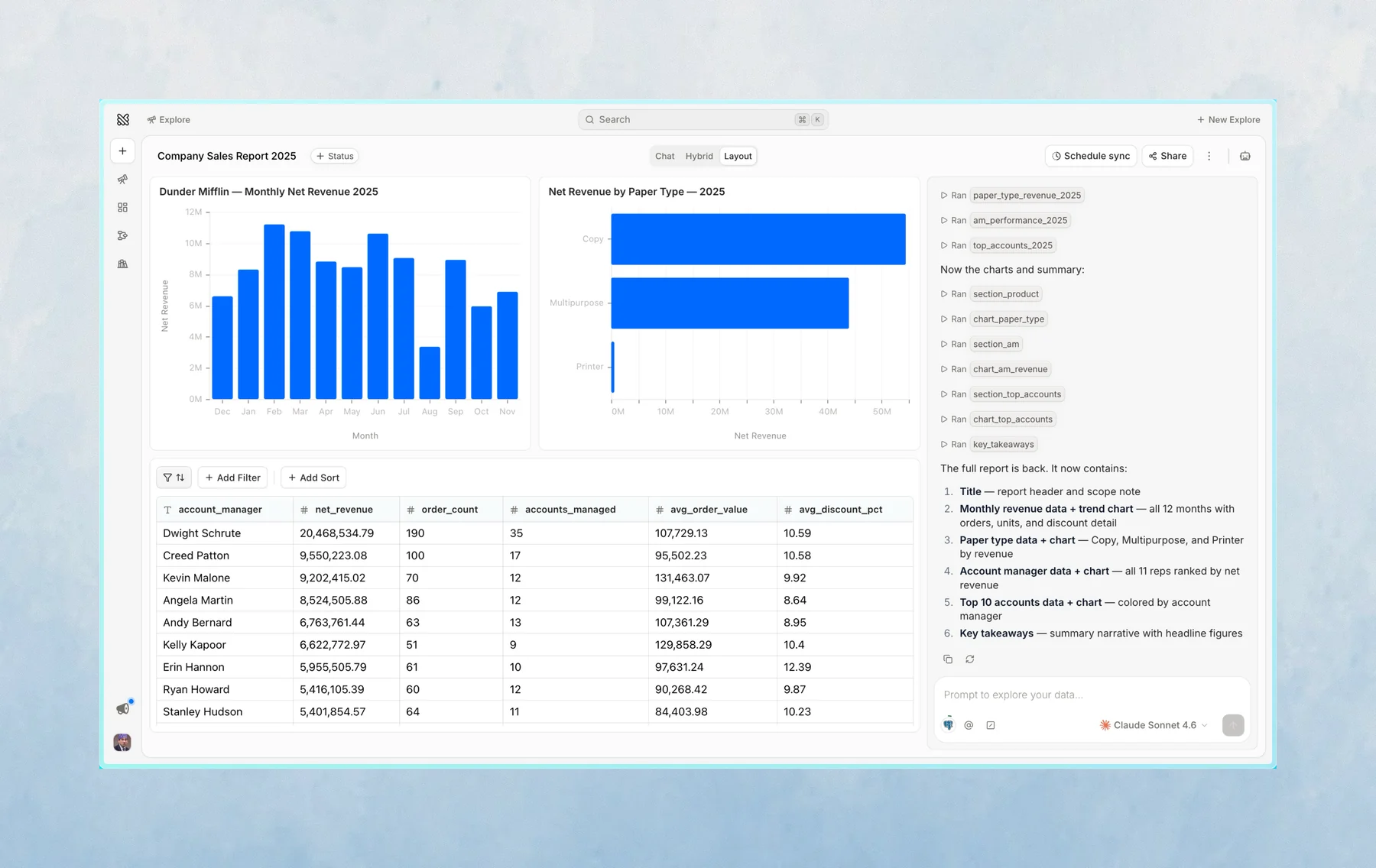
Layouts help you turn an explore into something easier to read and share.
You can add cells from the notebook to a layout, then arrange and resize them on a grid.
When to use a layout
Use a layout when you want to:
- Share a cleaner view of several results
- Keep a live view of the most important cells from an explore
- Turn a conversation into something closer to a report
Create a layout
- Open an explore
- Choose the cells you want to include
- Add them to a layout
- Arrange the cells on the grid
- Share the explore or layout link with your team
The layout stays connected to the explore, so you can continue editing the notebook and update the layout as the work changes.
Last updated on October 16, 2026