Statuses and tags
Understand how statuses and tags organize explores and boards.
Statuses and tags help your team organize explores and boards after the work has been created.
They are workspace-level labels, so everyone uses the same set of statuses and tags when reviewing work, finding trusted outputs, or grouping related analysis.
Statuses
A status describes the current state of an explore or board.
Use statuses for labels where only one value should apply at a time, such as:
- Trusted
- Needs review
- Draft
Each explore or board can have one status. This makes statuses useful for workflow, quality, or readiness signals because there is a single answer to the question: what state is this work in right now?
Tags
Tags describe what an explore or board is related to.
Use tags for labels where more than one value can apply at the same time, such as:
- A team
- A customer
- A project
- A metric area
- A recurring workflow
An explore or board can have multiple tags. This makes tags useful for grouping work across different contexts, such as finding everything related to a customer and a project.
How they work together
Statuses and tags are meant to answer different questions:
- Status: what state is this work in?
- Tags: what is this work about?
For example, a board might have the Trusted status and the tags Revenue, Leadership, and QBR.
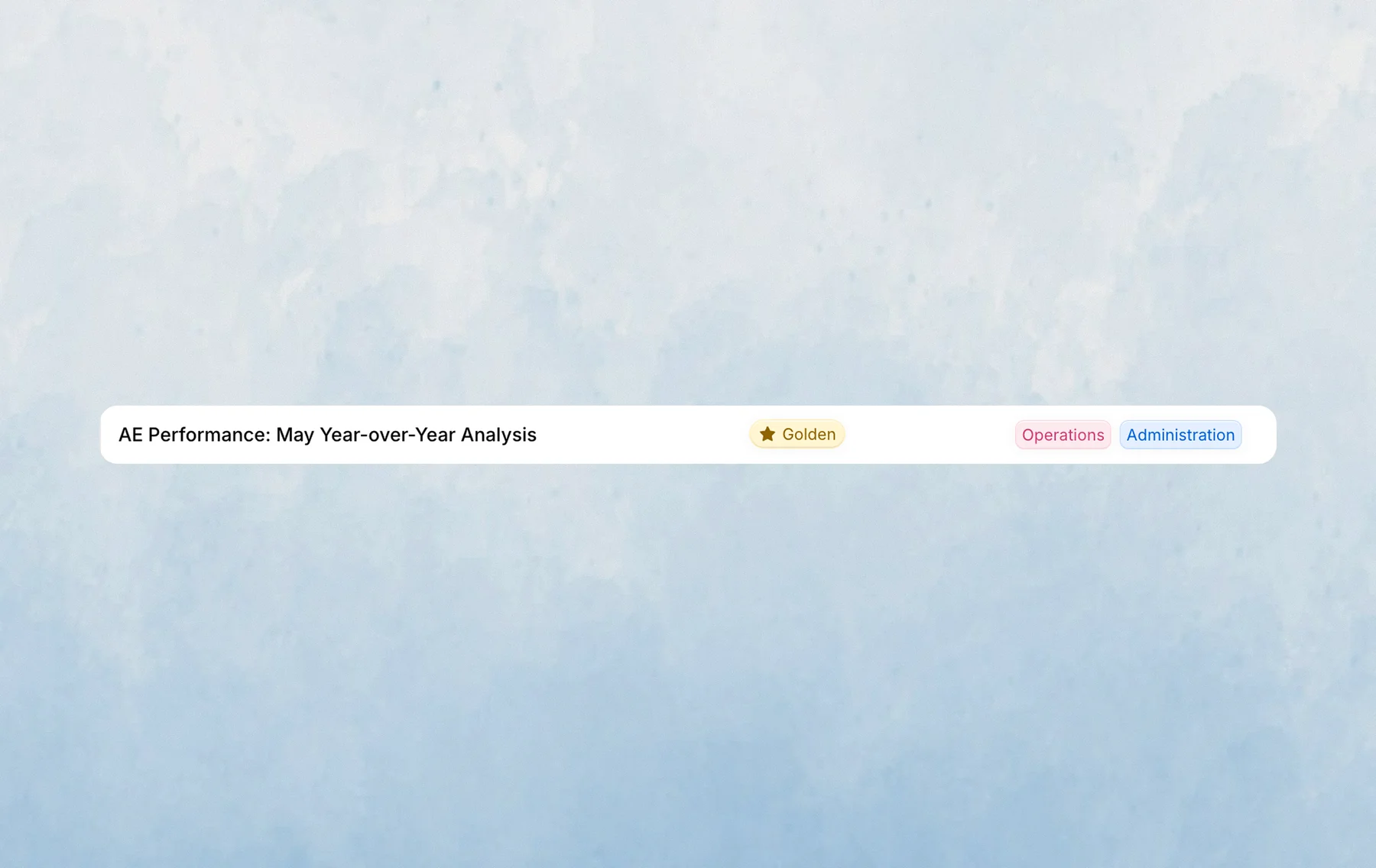
Admins manage the available statuses and tags in workspace settings. Once they are created, you can apply them from an explore or board and use them as filters in History.
Last updated on October 13, 2026