Find and manage work
History
Find previous explores and boards and continue from where you left off.
The sidebar has two tabs for finding previous work: Explores and Boards.
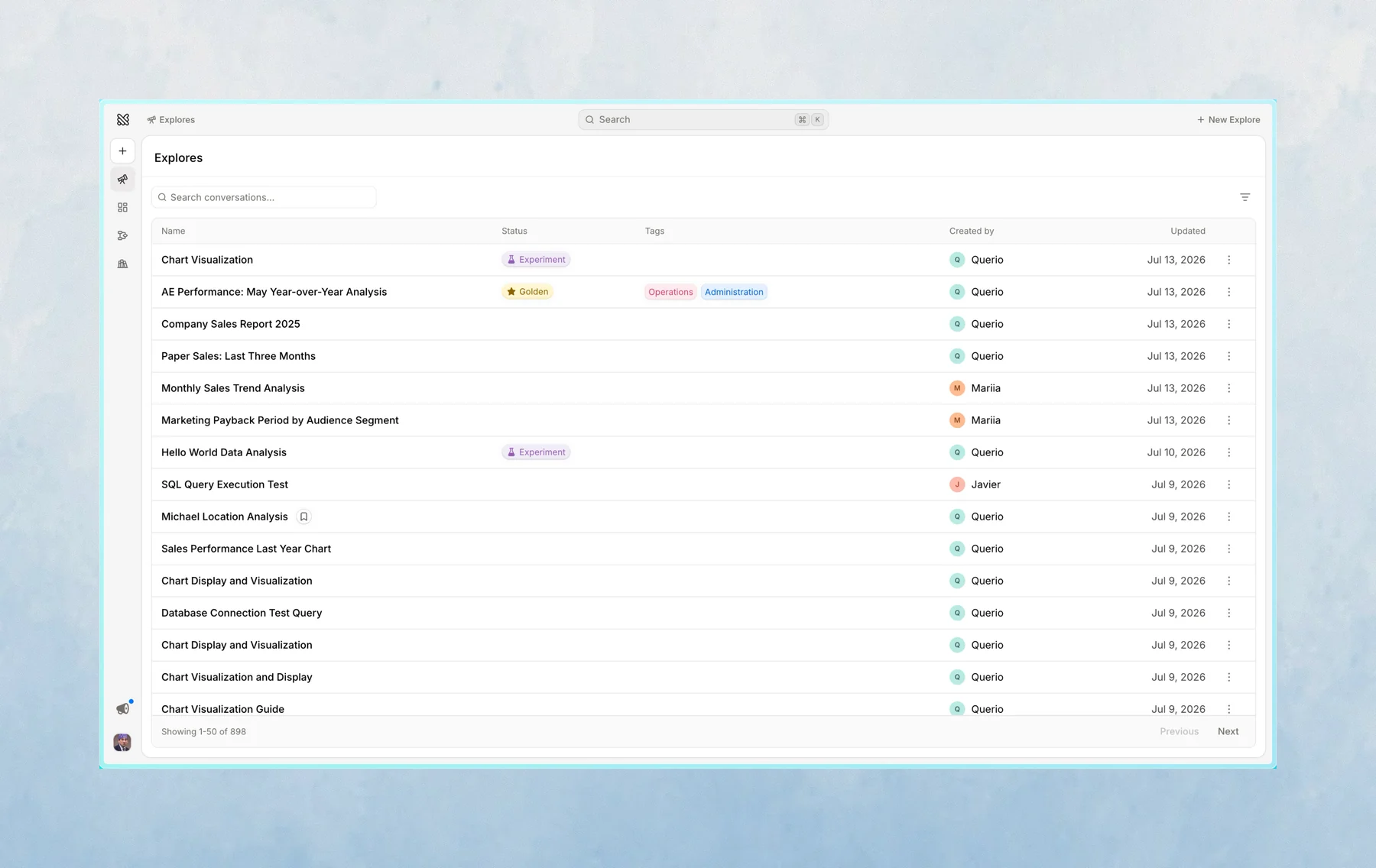
Every explore keeps the conversation, notebook, bookmarks, and layout state attached to it. That means you can come back to earlier work without starting again.
Explores
Explores shows your previous analysis work — explores that do not have a layout.
Use it when you want to:
- Reopen a previous analysis
- Search for previous analysis work
- Find explores with bookmarks
- Continue an old conversation
The Explores tab defaults to showing your own work.
Boards
Boards shows explores that have a layout attached.
Use it when you want to:
- Find a report or dashboard someone built
- Review shared layouts across the workspace
The Boards tab defaults to showing work from all creators.
Last updated on October 19, 2026